
AI plugins for WooCommerce, built for print shops.
If you are comparing AI plugins for WooCommerce, PrintGear brings image-to-image design, background removal and product personalization into one workflow. Turn an uploaded photo or an idea into artwork customers can place on a product and order, then prepare the file for production.
AI and image editing in action (PRO)
Start with a customer image, refine it or create something personal. PrintGear puts these creative tools inside the product designer, so the result can become an order in the same shop. See what changes at each step.
Crop uploaded images
Frame the part that matters. In this example the rider and bicycle take the focus while the busy street falls outside the crop.
See the image tools →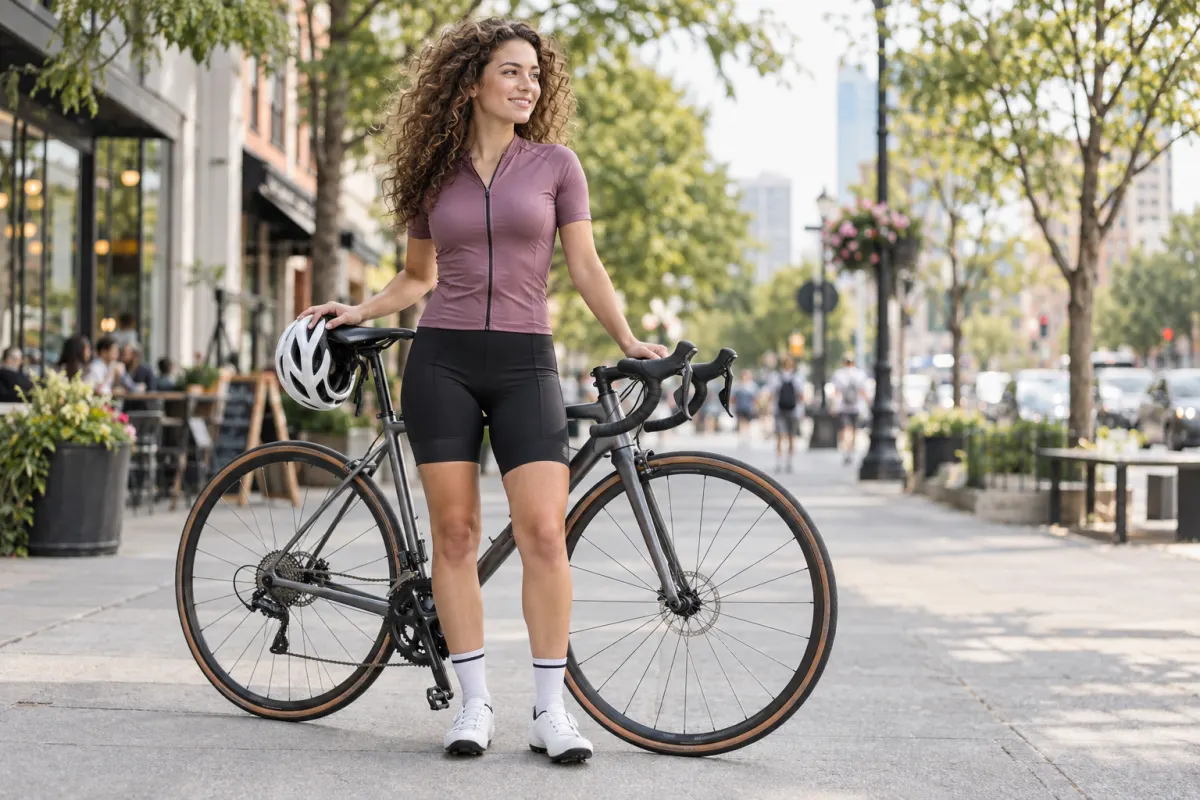
Background Removal
Lift the rider and bicycle away from the street. Notice the hair and the thin spokes: those are the details a print shop needs to inspect.
See the image tools →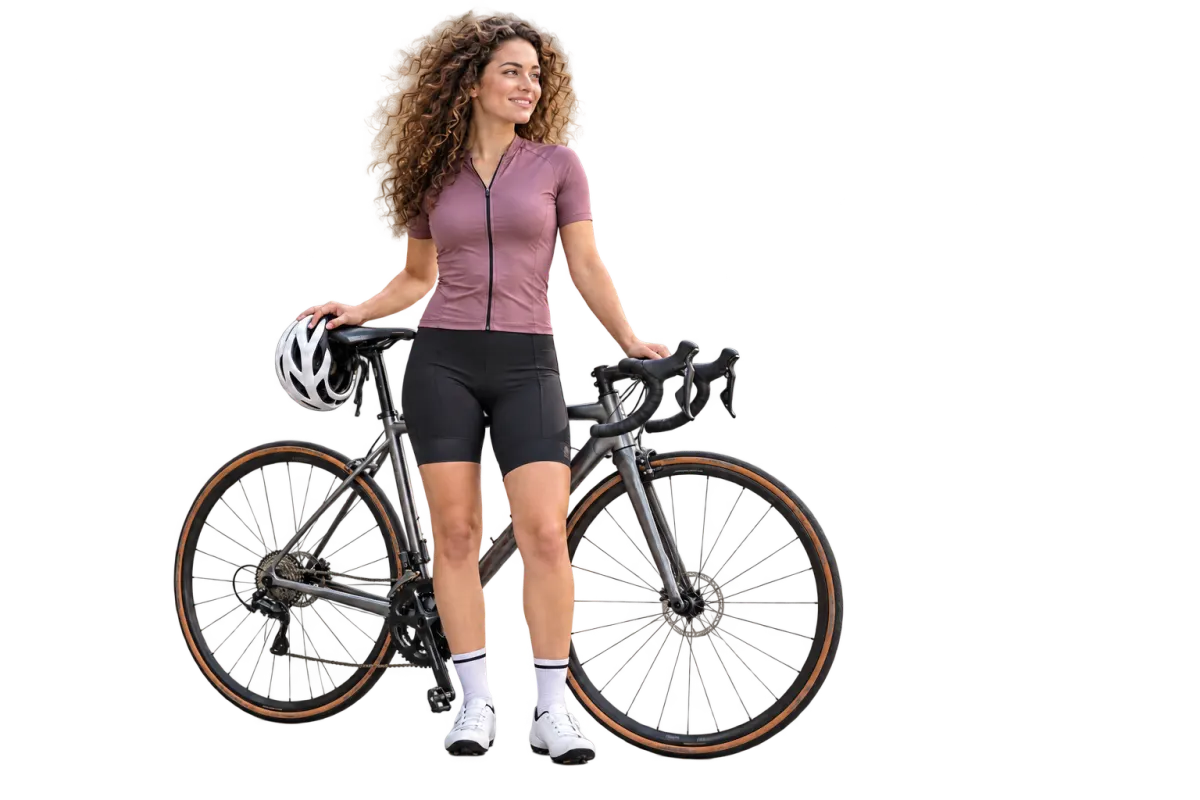
Image-to-Image
Start with a real photo of Marcus Johnson, then ask for a comic-style graduation design with his name and class year. The personal result can be placed on a shirt, sticker or puzzle.
See the full example →

AI Logo Generation
Meet The Sandbagels, a Long Island beach volleyball team. A specific prompt combines the name, a bagel-shaped volleyball sun, the net, waves, colors and transparent background. The result is a logo that can be placed on a product in the designer.
Design a bold beach volleyball logo for a Long Island, New York tournament. Team name: THE SANDBAGELS. Turn a toasted bagel into a volleyball sun above a beach net, with ocean waves and sand. Use turquoise, navy and warm gold. Add LONG ISLAND BEACH VOLLEYBALL below.
 The Sandbagels · Long Island, New York
Design a bold beach volleyball logo for a Long Island, New York tournament. Team name: THE SANDBAGELS. Turn a toasted bagel into a volleyball sun above a beach net, with ocean waves and sand. Use turquoise, navy and warm gold. Add LONG ISLAND BEACH VOLLEYBALL below.
The Sandbagels · Long Island, New YorkAI Logo Generation · prompt and The Sandbagels logo example
Explore image creation, background removal and product placement. These image tools are part of PrintGear Pro. AI use depends on available Credits and your store settings.
Give customers a canvas with the right boundaries.
Let customers create something personal while your shop chooses the fonts and colors that fit its catalog.
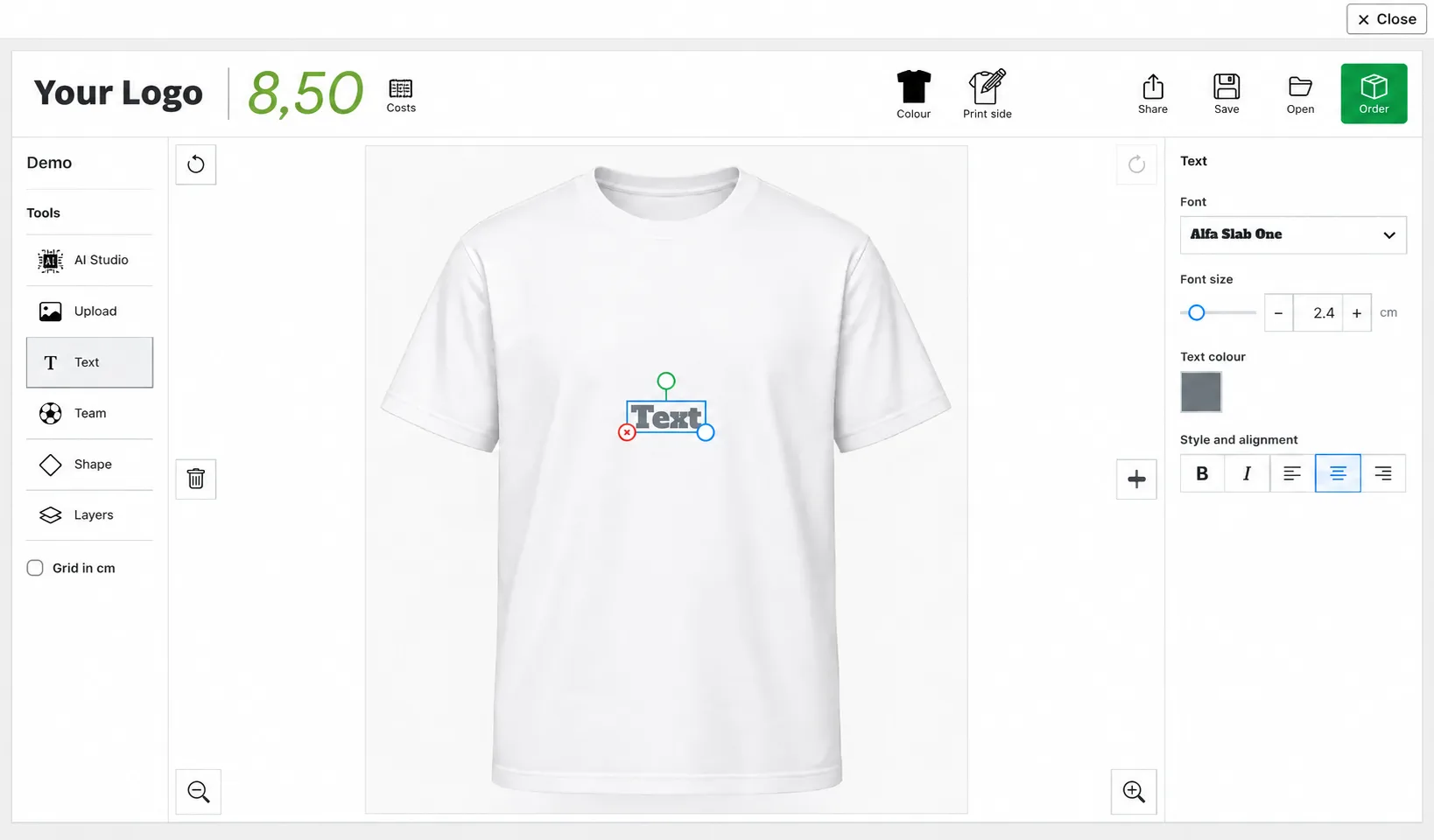
Custom Text
Add a name, message or short line of copy directly in the designer. Customers can see the wording as part of the product, before they order.
Upload your own artwork
Customers can upload PNG and JPG in the free edition. SVG upload is available in PrintGear Pro.
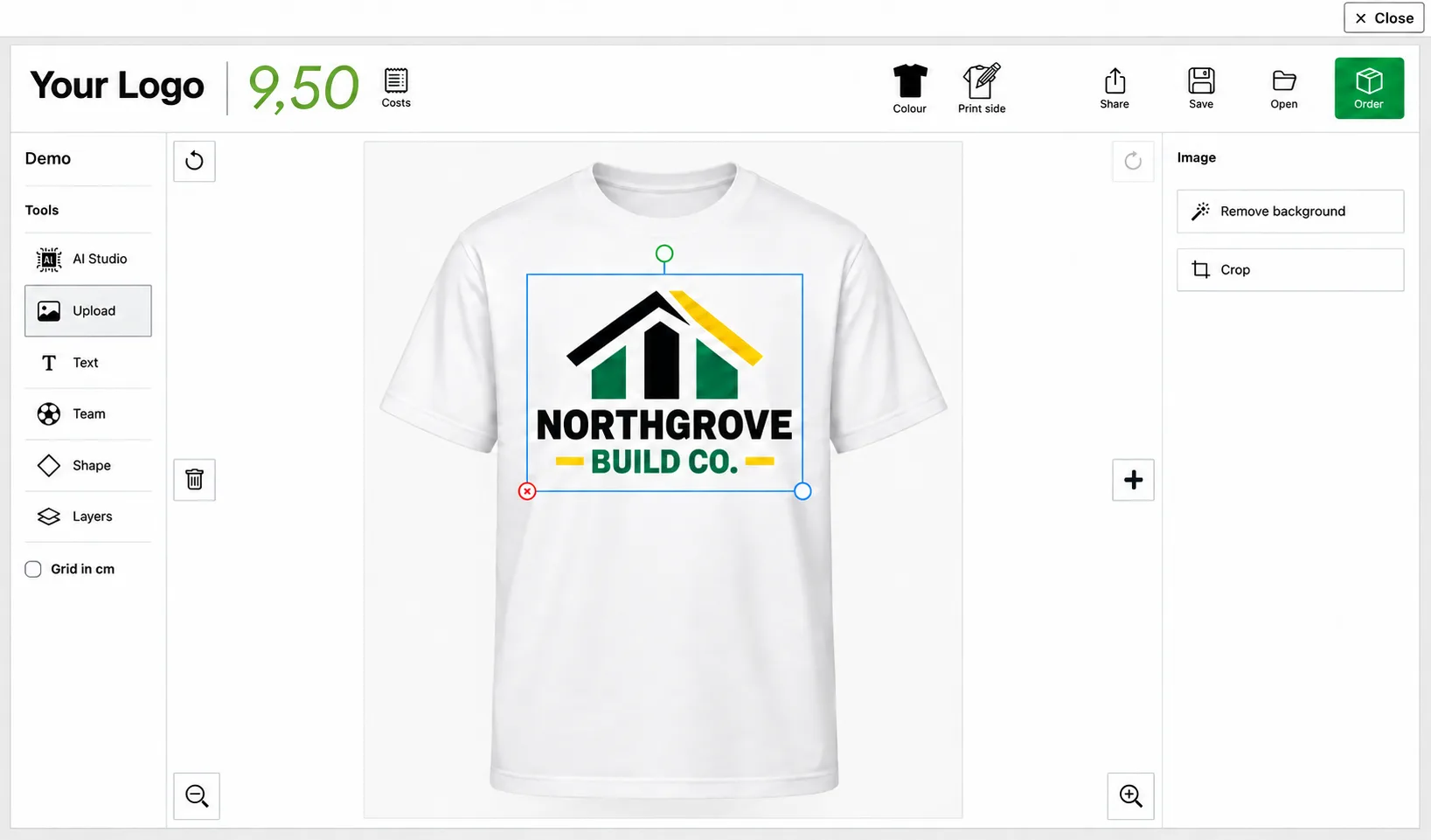
Upload PNG, JPG, or SVG files · PrintGear designer with fictional Northgrove artwork and sample shop branding
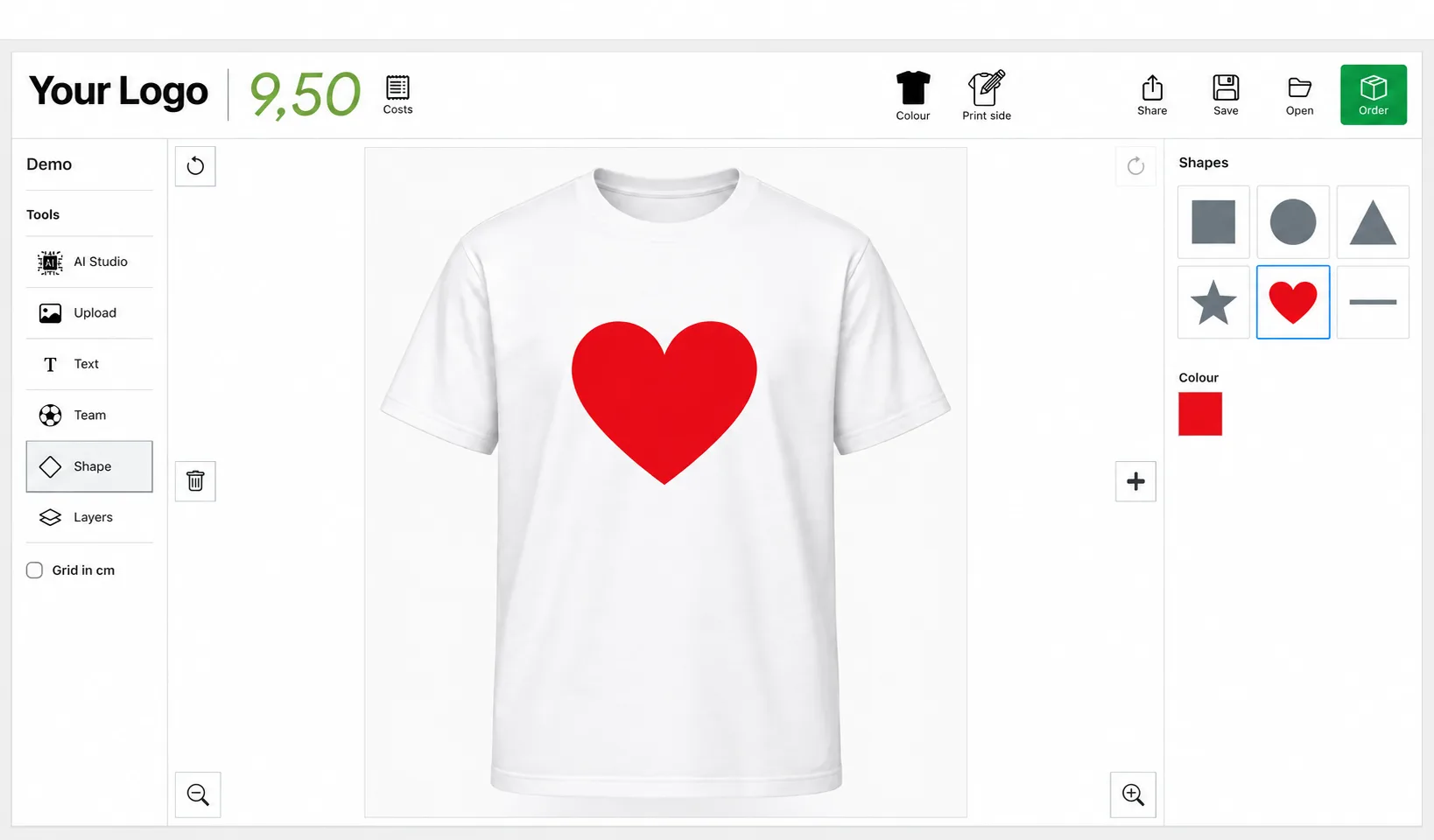
Shapes
Build simple graphic elements around text and artwork to make a layout feel complete.
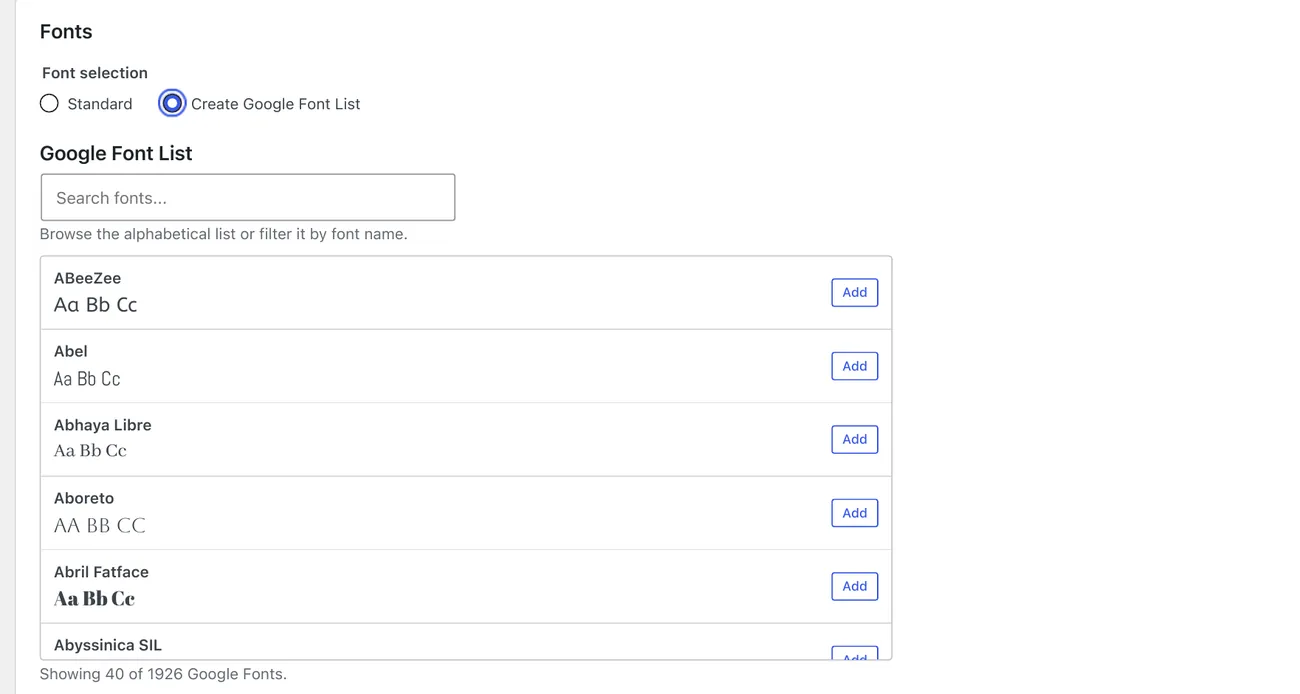
Create Font List
Choose which fonts belong in your store’s designer, so customers work within a type palette that suits your products.
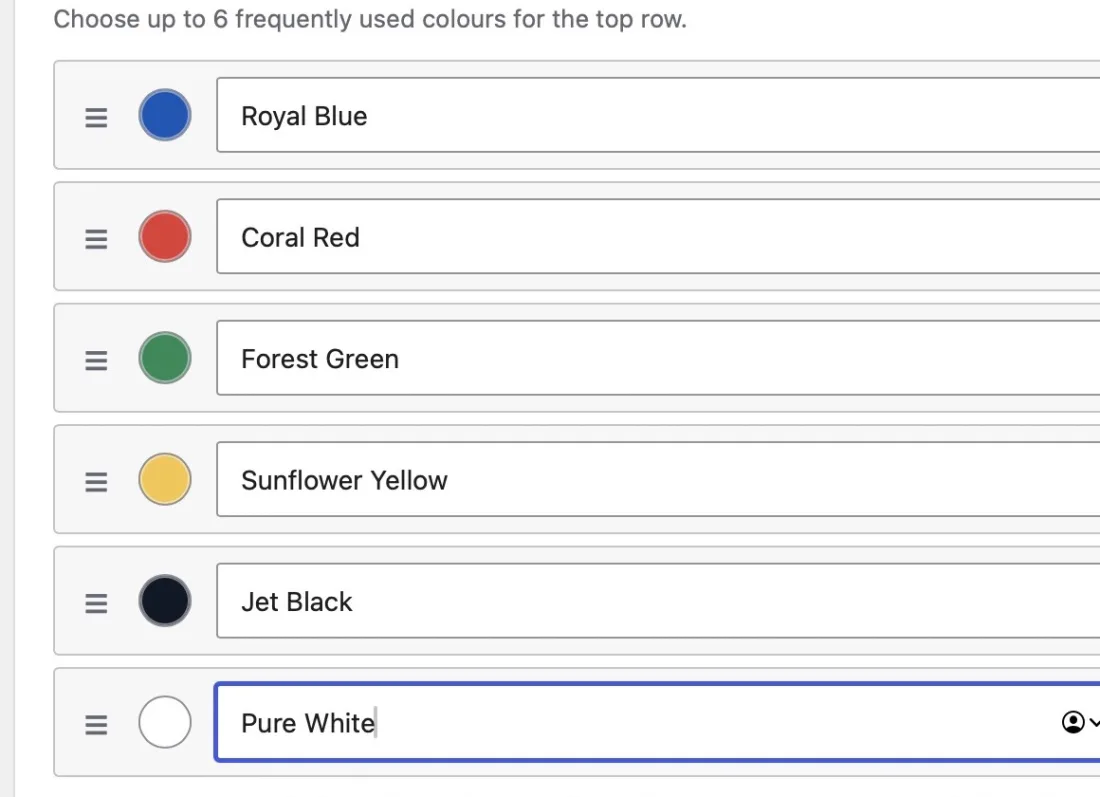
Create Color List
Build a named palette for the designer. This example shows six colours a print shop can save and reorder, from Royal Blue and Coral Red to Jet Black and Pure White.
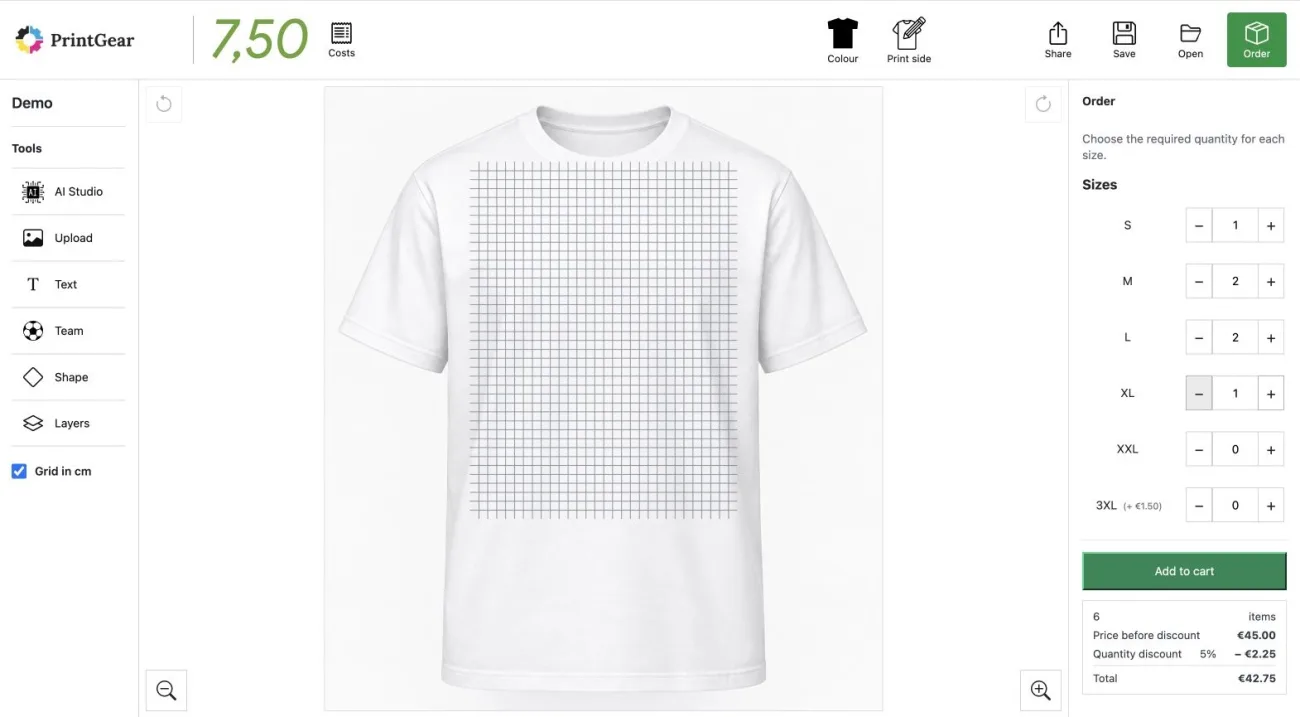
Design Grid & Multi-size Ordering
Use the centimetre grid to position artwork. In the Order panel, enter quantities for several sizes at once in a size and quantity matrix, also called a variation grid. For this ordering flow, no separate variation-grid plugin is needed.
Built for the work behind the storefront.
Personalization matters most when the order details and print file make sense to the people producing them.
Bulk Personalization (PRO)
Keep one shared design while collecting names, numbers and sizes for individual members. Review the entries together in the order.
See bulk personalization →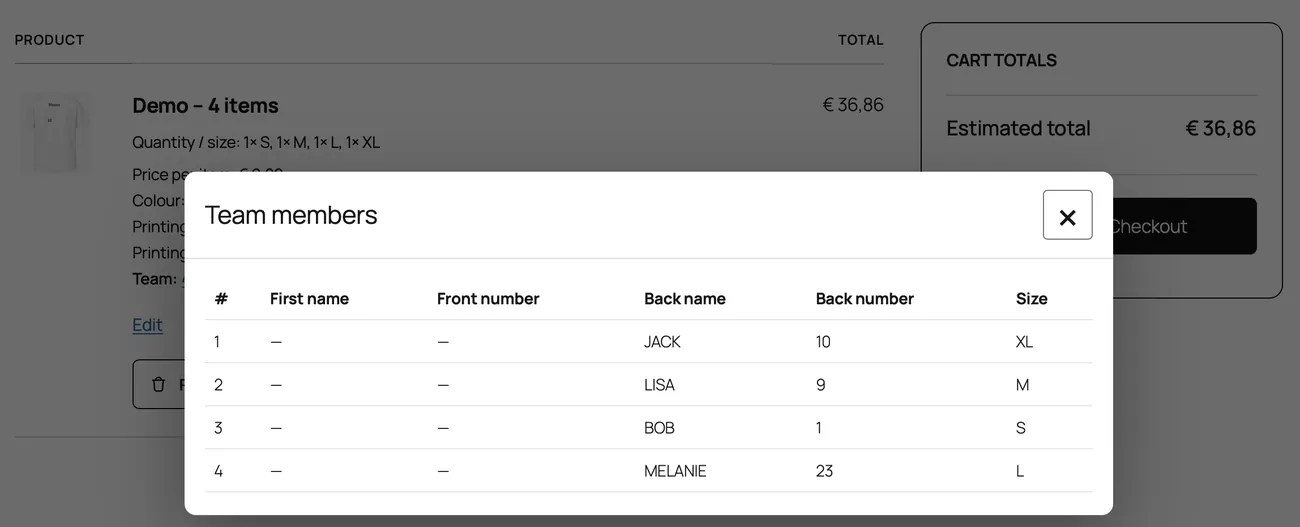
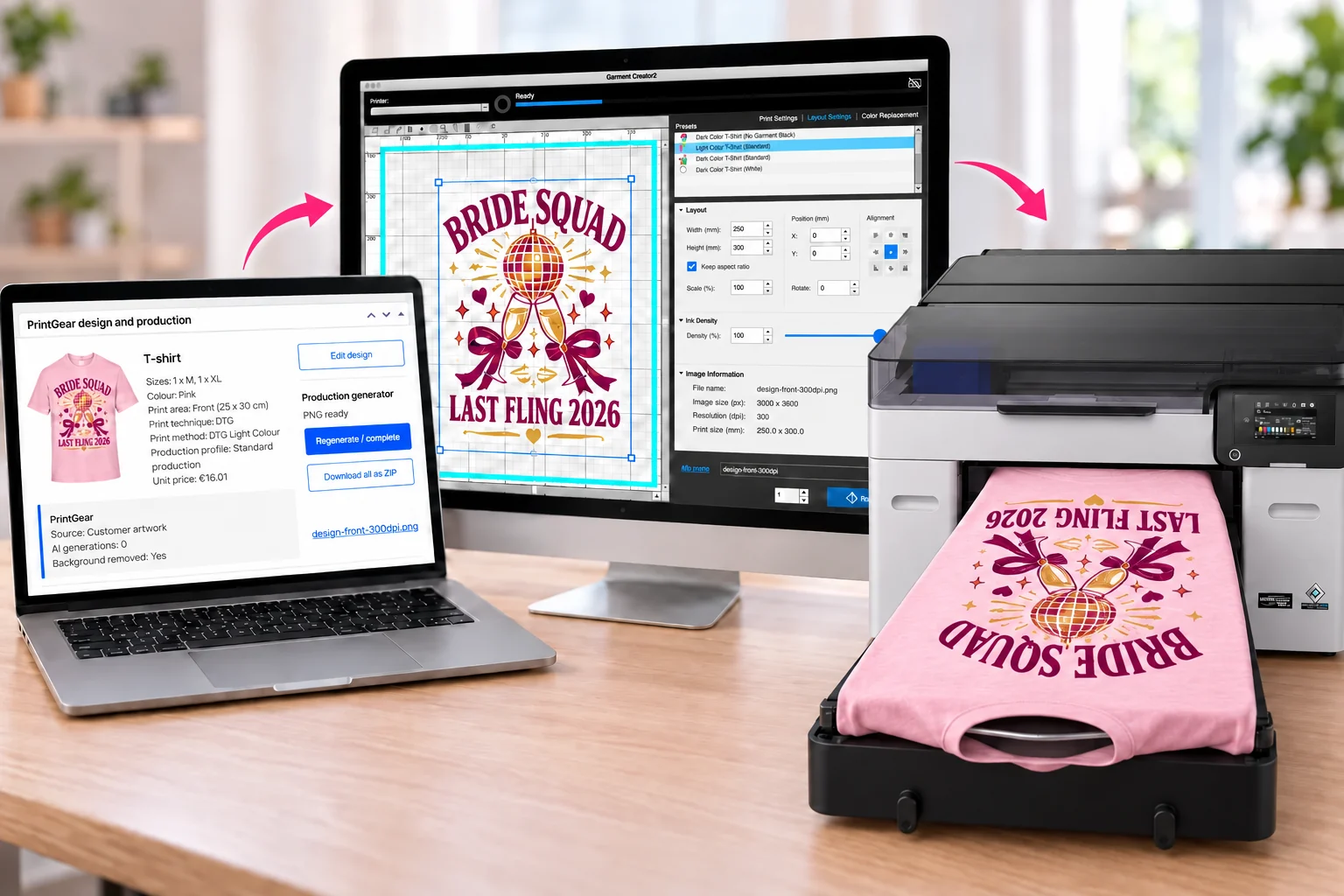
Print-ready export
Export PNG or JPG from the order in the free edition. PrintGear Pro adds editable SVG and PDF export. PNG preserves transparency in the artwork. Check the file dimensions and artwork before production. Explore print-ready files →
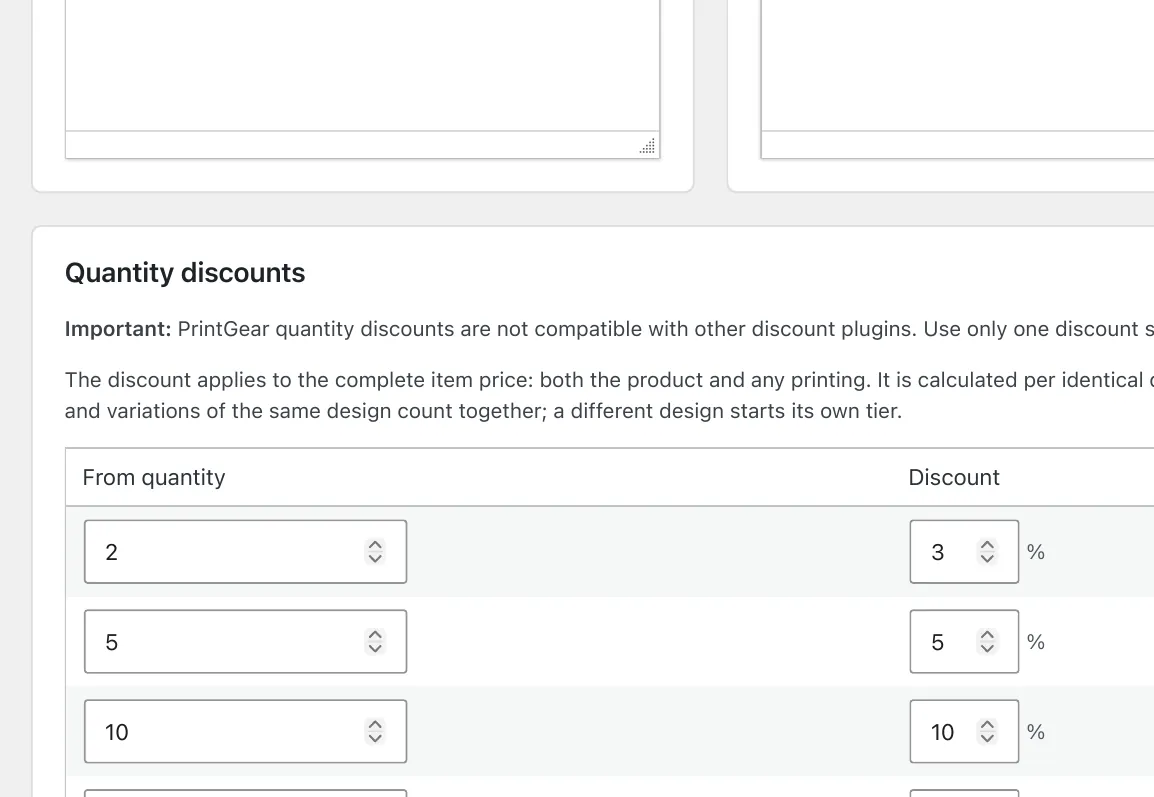
Discount Rules
Configure the discounts that fit your shop’s pricing approach and show the result in the buying flow.
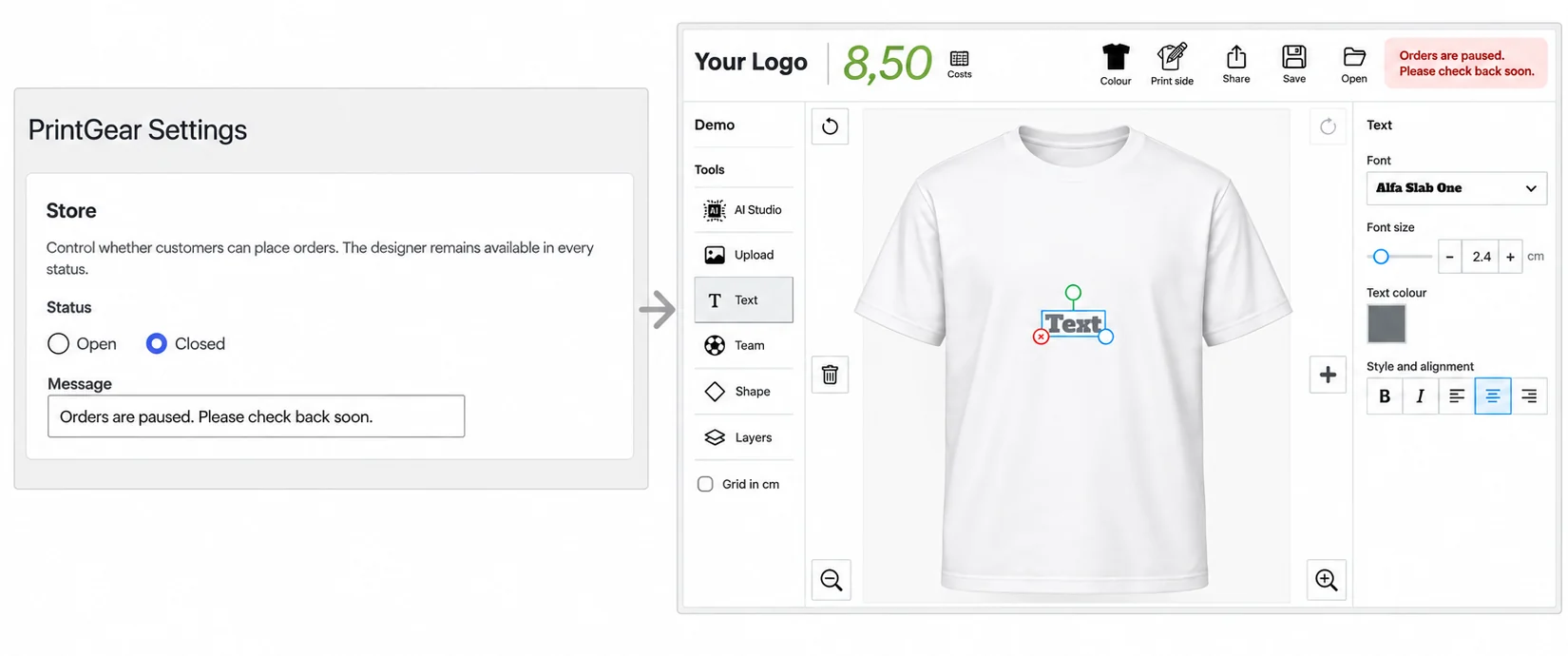
Vacation & Maintenance Mode
Set the store to Closed and add a message. The designer remains available; your message appears where customers would normally place an order.
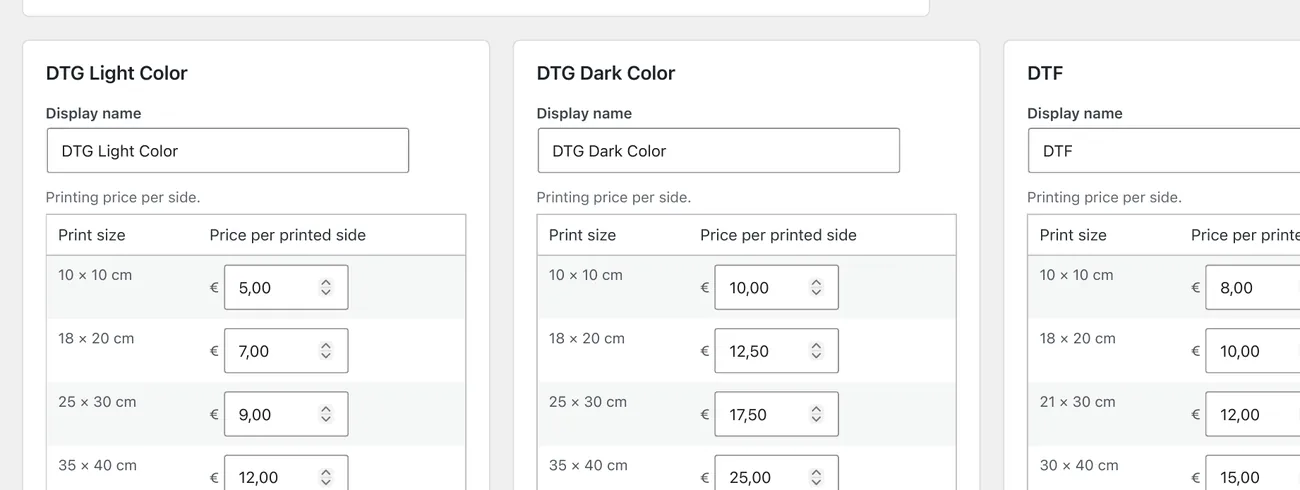
Optimized for DTG & DTF
Set up DTG and DTF print options, dimensions and prices in the PrintGear backoffice for the production methods your shop offers.
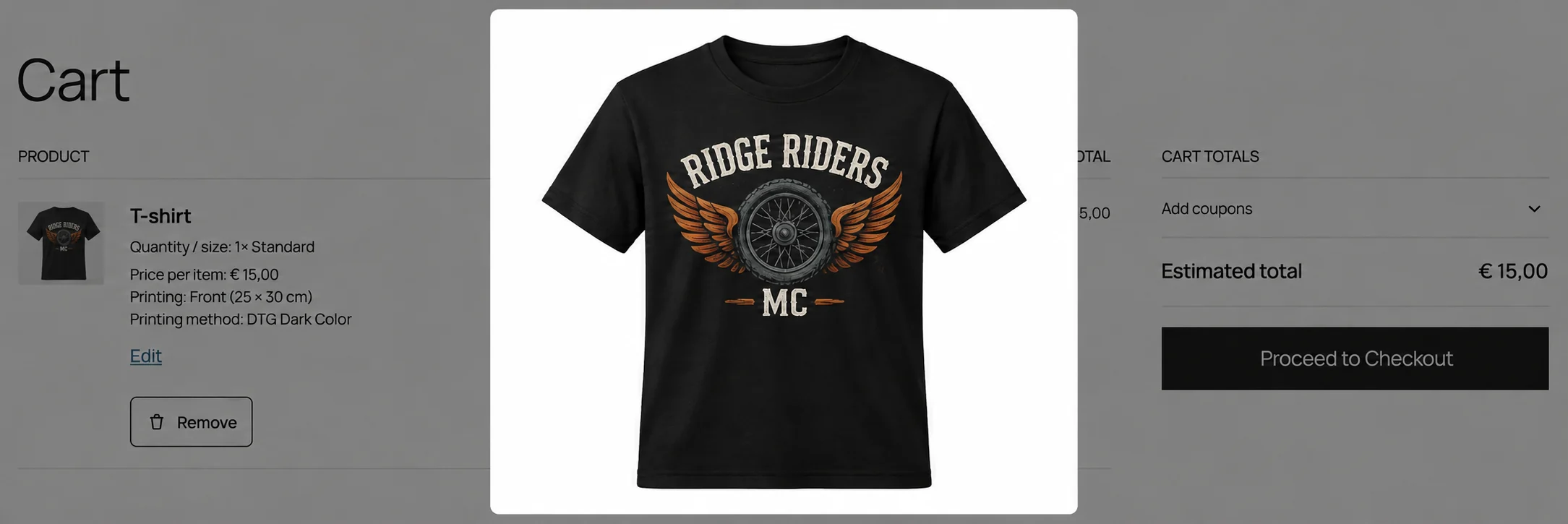
Mockup Preview in Cart & Email
Carry the visual design into cart and order communication, so the ordered result stays recognizable.
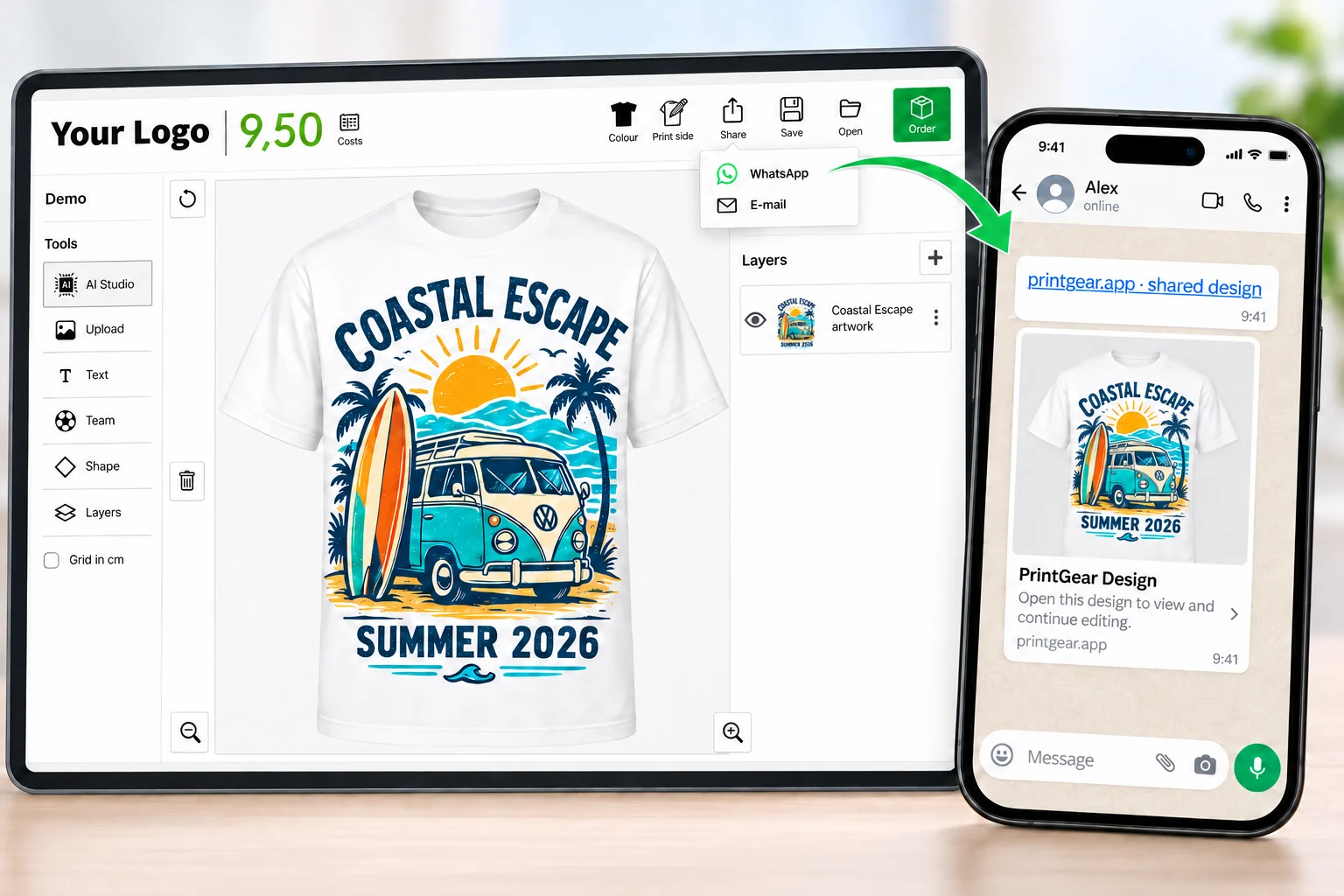
Share Designs
Share a design link through WhatsApp or e-mail. Someone else can open it and continue editing, so you can work on the design together before ordering.
Compatible with all WooCommerce themes
PrintGear fits into your WooCommerce storefront. These ten popular themes show the range of shop styles it can sit alongside.
Ten popular WooCommerce themes
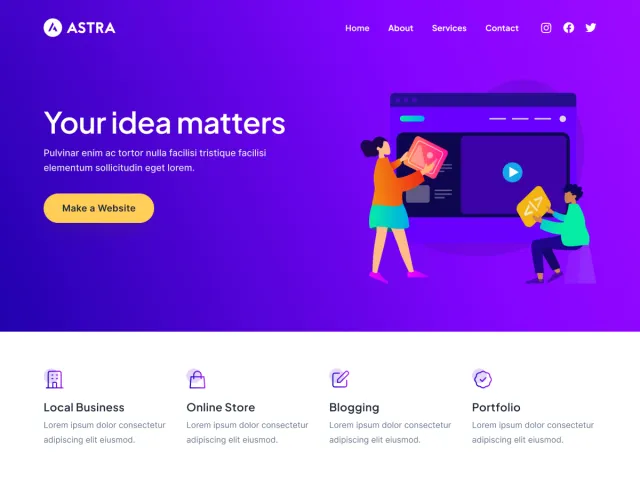
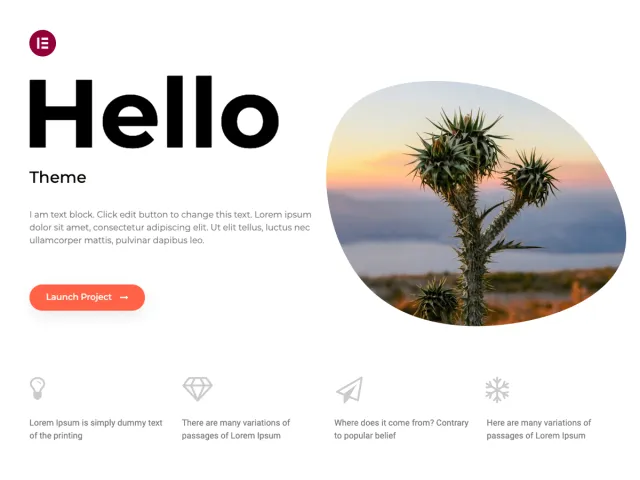
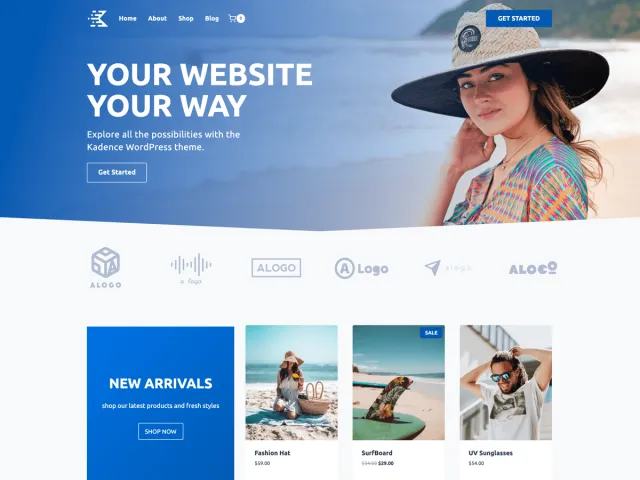
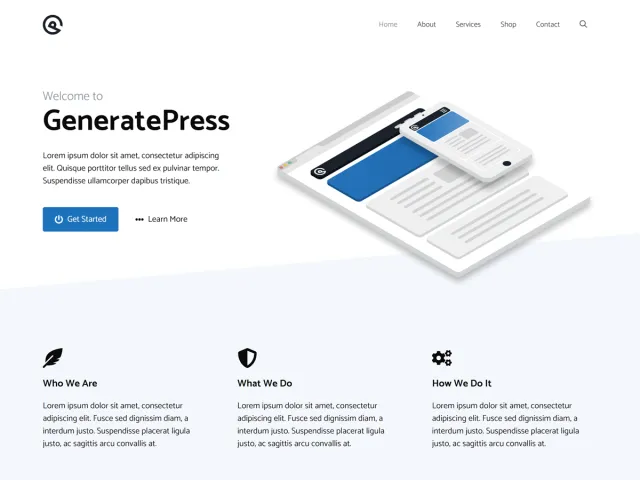
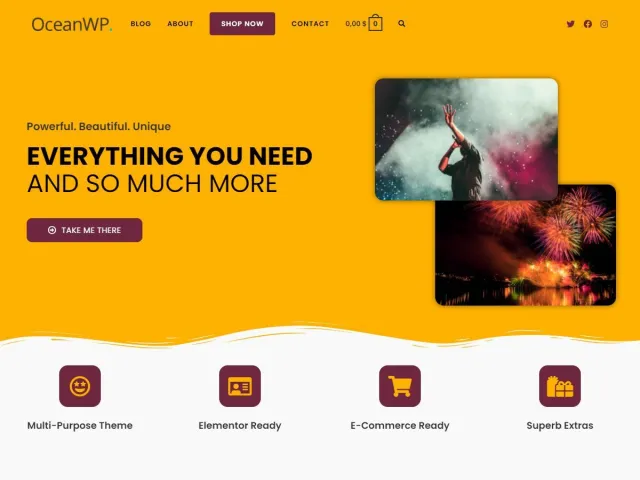
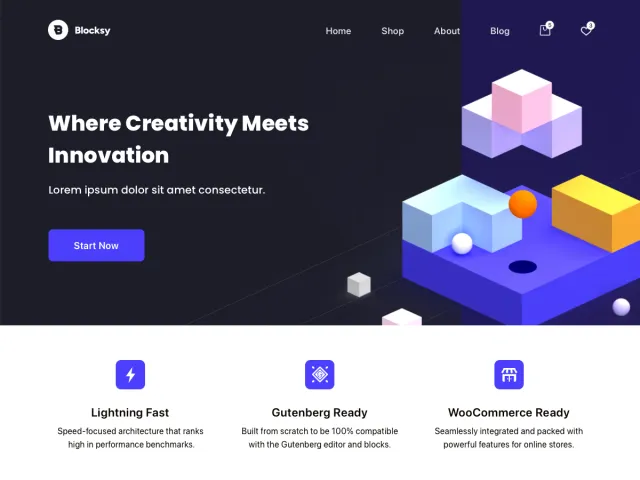
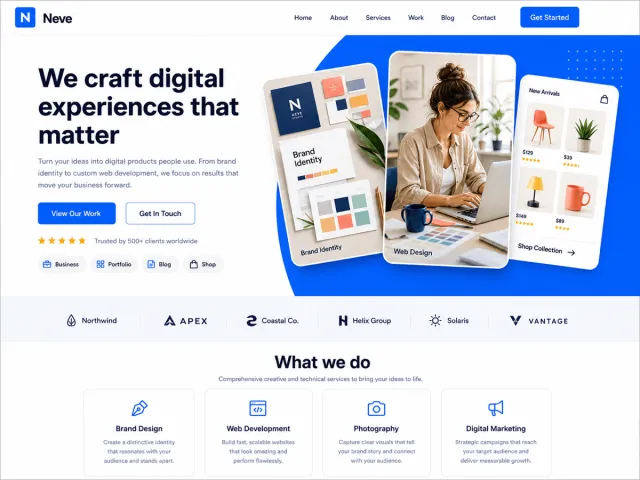
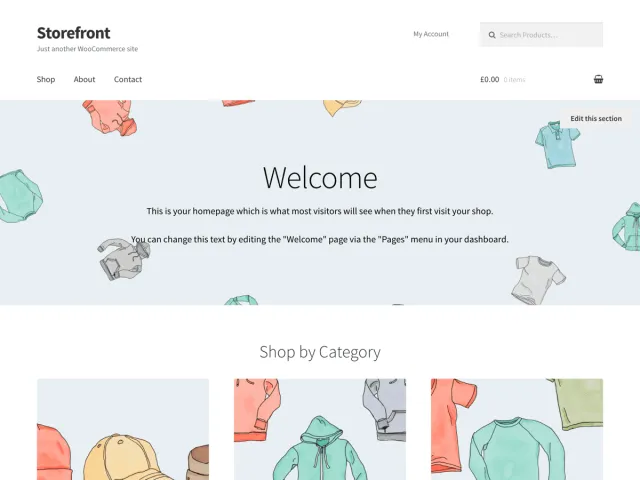
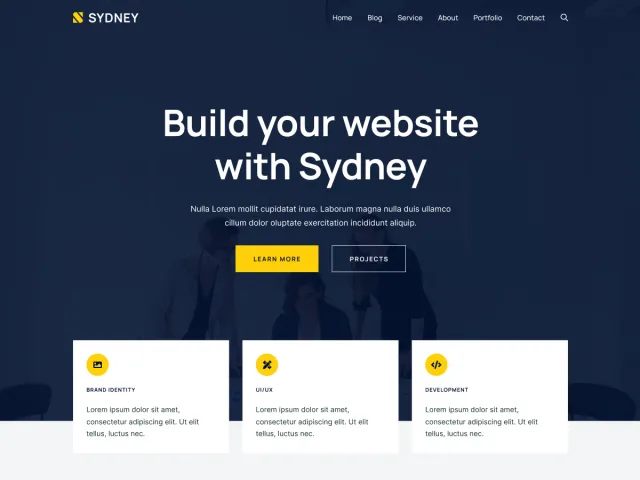
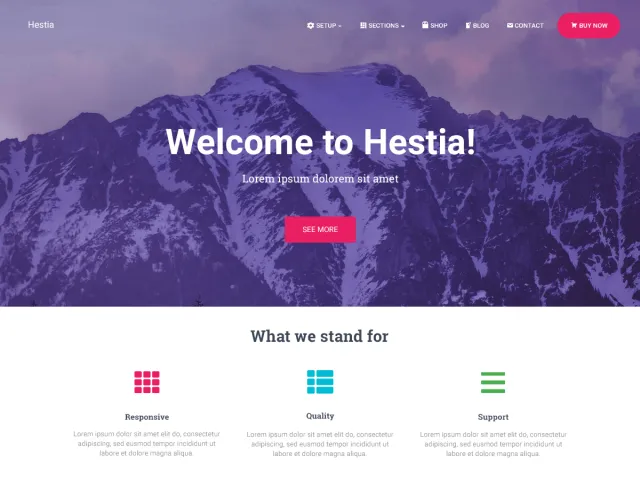
Theme previews: WordPress.org
Save and reopen designs
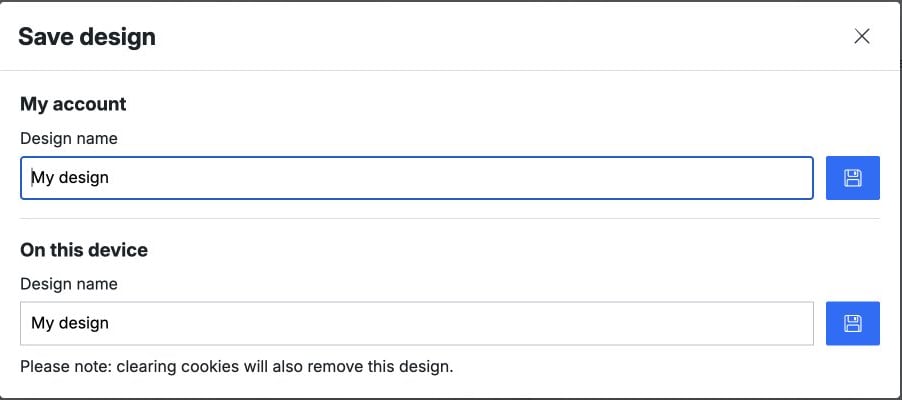
Save a design without an account on the current device, or save it to a WooCommerce account. Account holders can find their work in My designs and pick it up again later. Designs saved on a device are removed if its browser cookies are cleared.
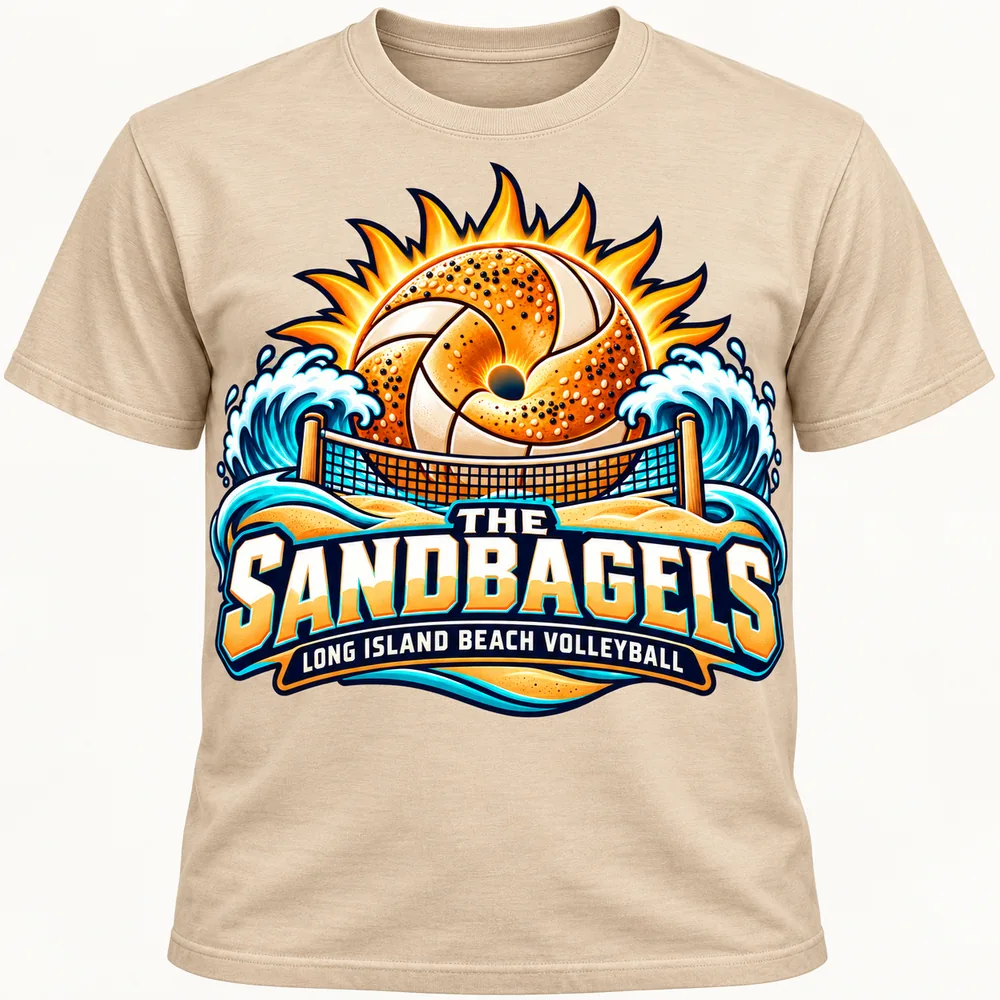

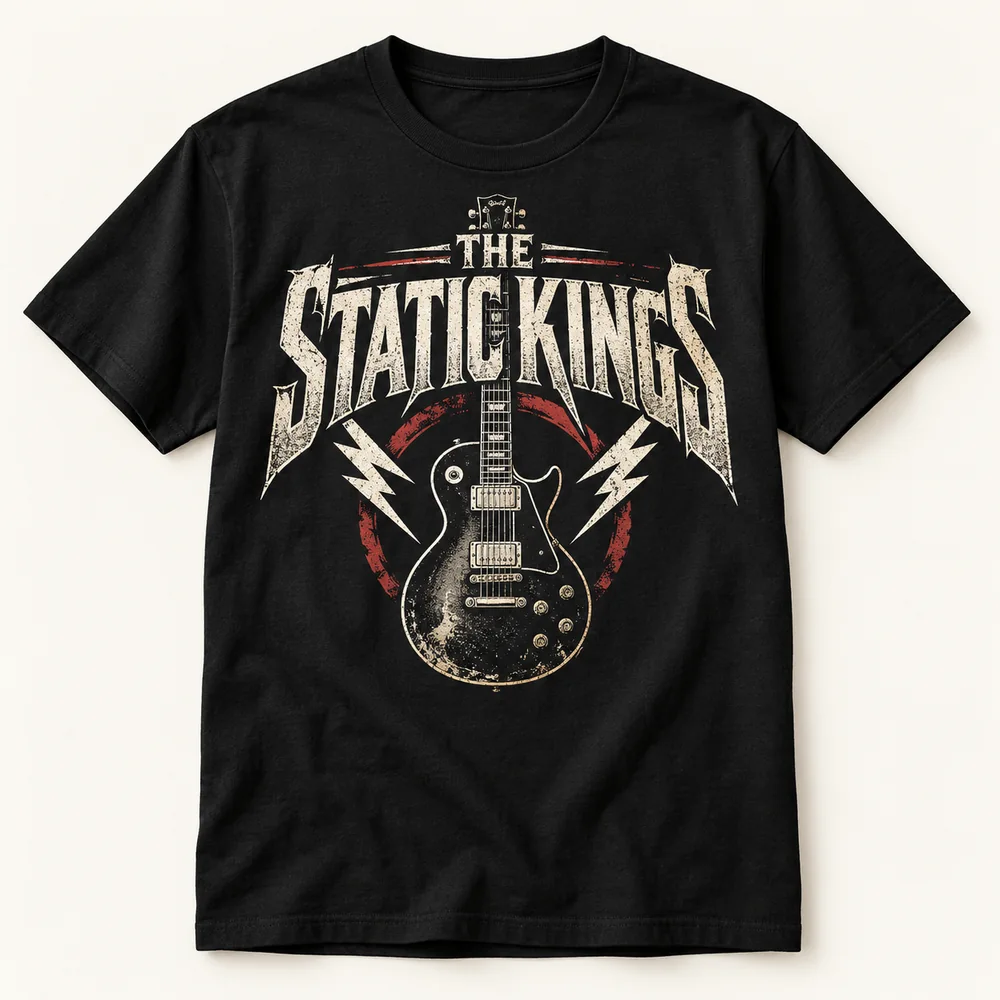
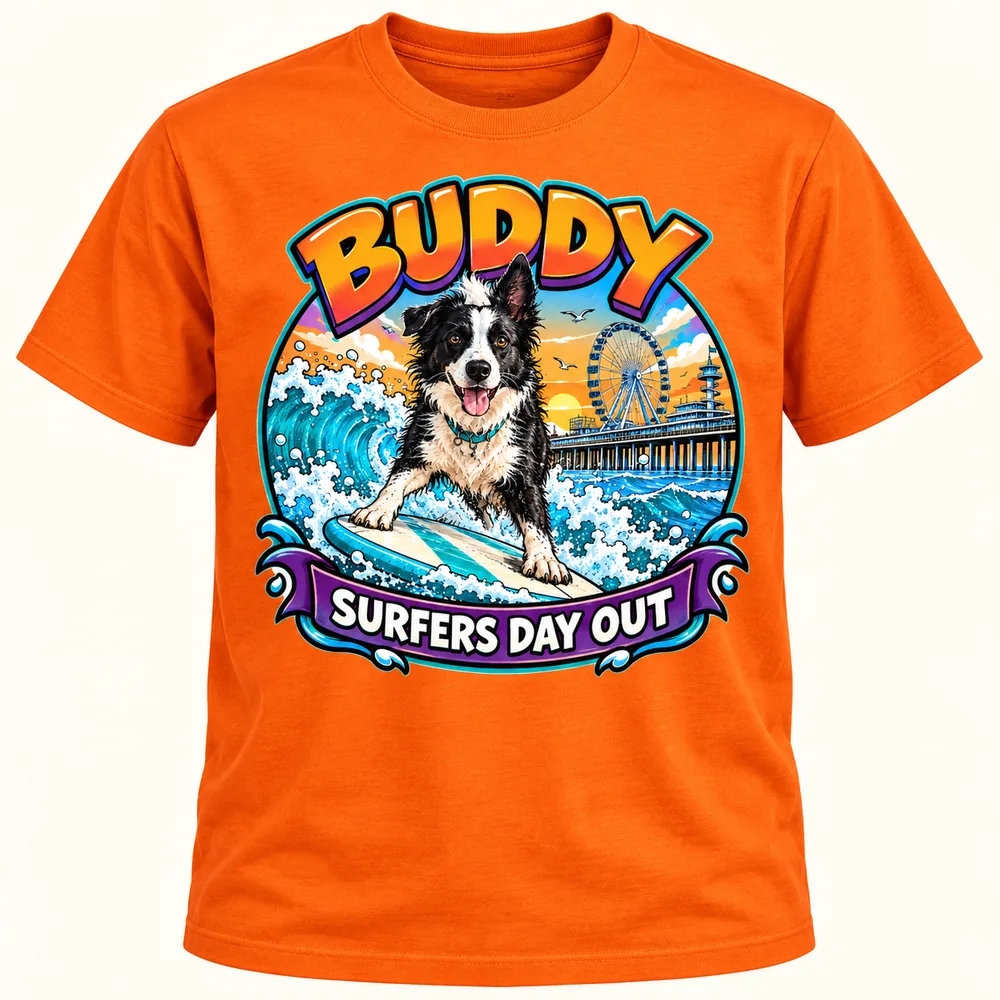
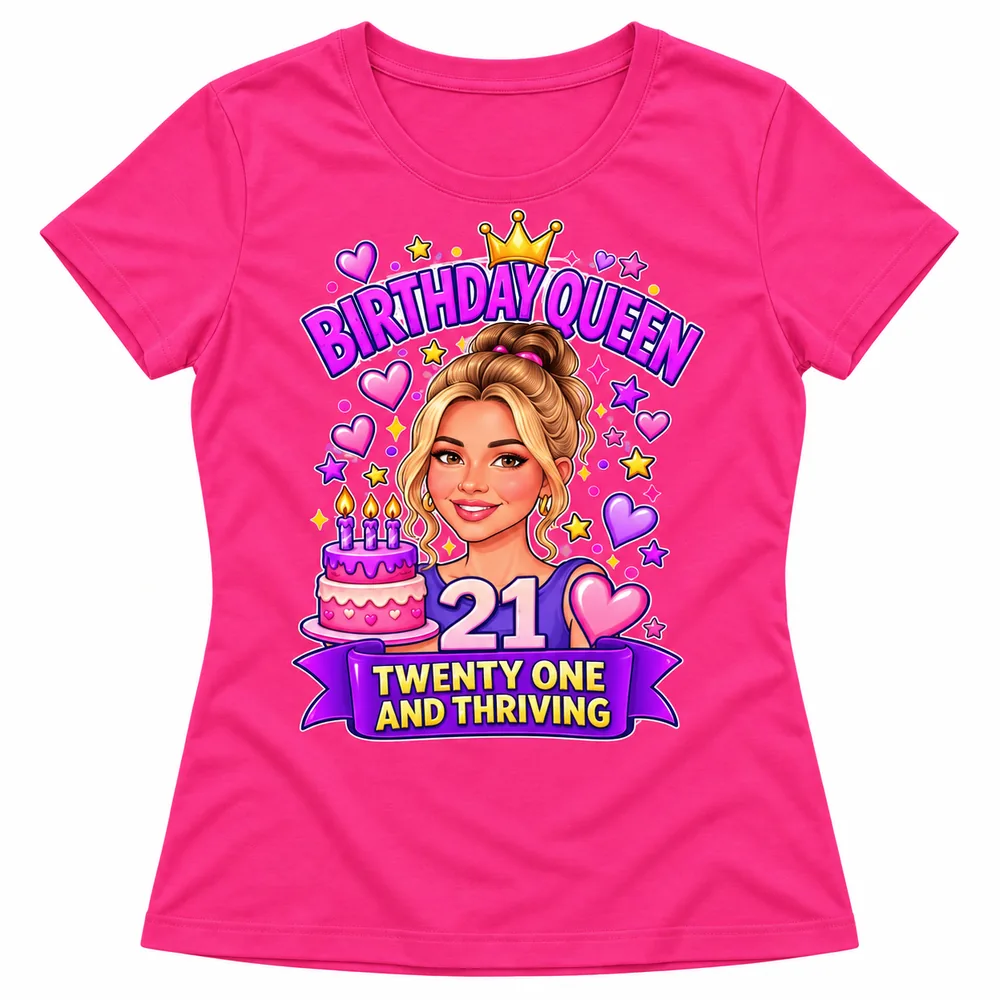
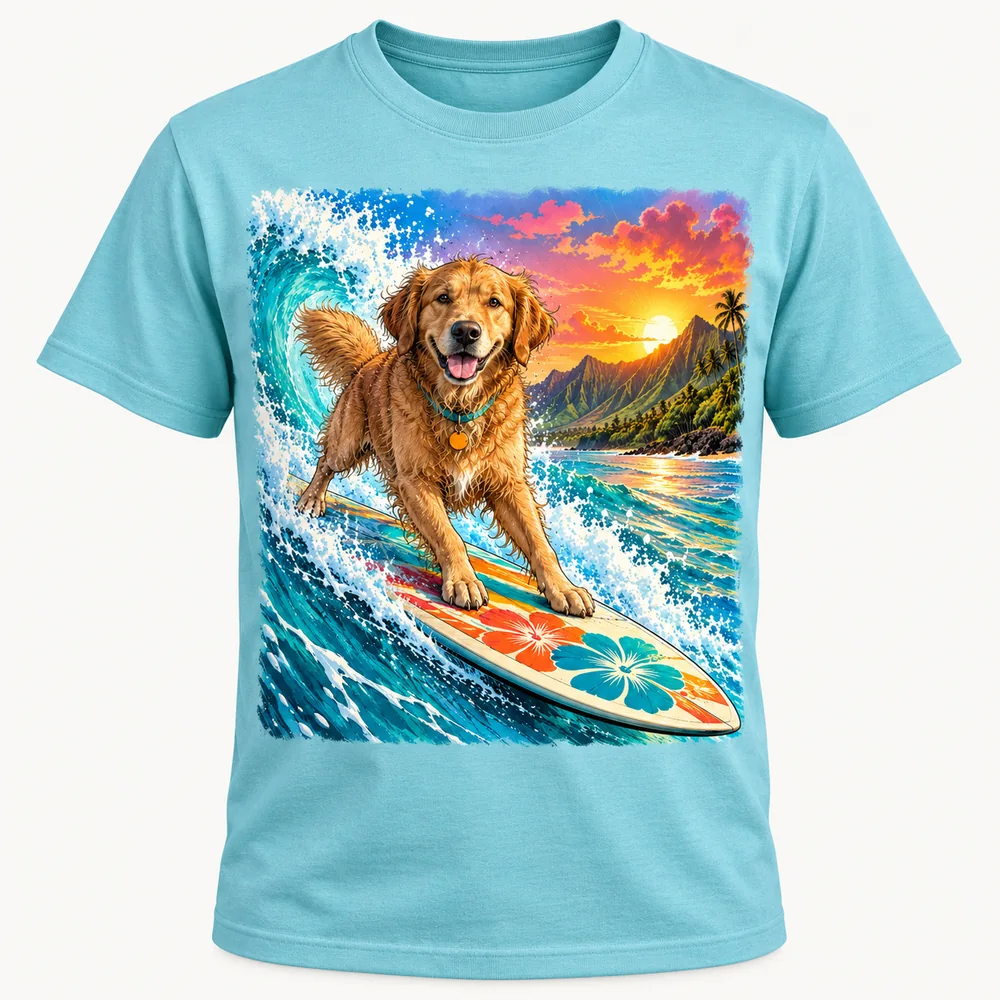
Example designs in a My designs gallery. Garment colours are configured per product.
Example designs in My designs; garment colours depend on product setup.
One annual plan. Every feature.
Use every PrintGear design and production feature in your own WooCommerce store, including AI Studio and Background Removal.
Billed annually at $468, paid in advance and excluding tax. One PrintGear plan with every feature.
100 Credits per subscription month, valid for 30 days. Optional prepaid bundles: 100/$25, 250/$50 or 500/$85, excluding tax, valid for 90 days. Previously purchased Credits keep their original validity.
Unlimited products and sales. PrintGear charges no per-order fee or sales commission.
Try the live demo: Explore the PrintGear product designer before buying the annual plan.
See the exact AI Credit usage and one-time top-up prices on PrintGear Pricing.
Your core designer runs on your own WooCommerce server. AI requests use PrintGear’s included service when you choose to use AI.