
PrintGear for WooCommerce · Free download
Your customers design.
You print.
Start with the included T-shirt. Let customers add text, shapes or a PNG or JPG in your WooCommerce shop. Download their artwork straight from the order.
Download PrintGear
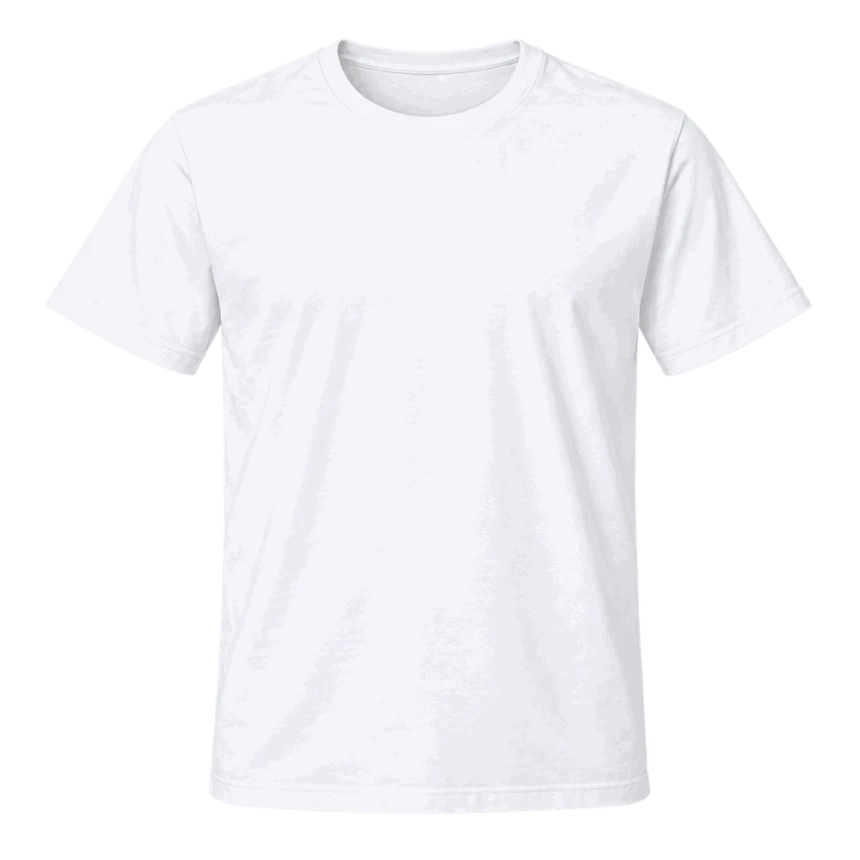
PRODUCT DESIGNER FOR WOOCOMMERCE (PRO)
AI-powered product designer for WooCommerce (PRO)
PrintGear is a product designer for WooCommerce print shops. Customers can create, personalize and order printed products directly in your store.
Explore the full path from customer design to print-ready artwork in our web to print software overview.
Try the demo, then buy PrintGear through Freemius when you are ready.
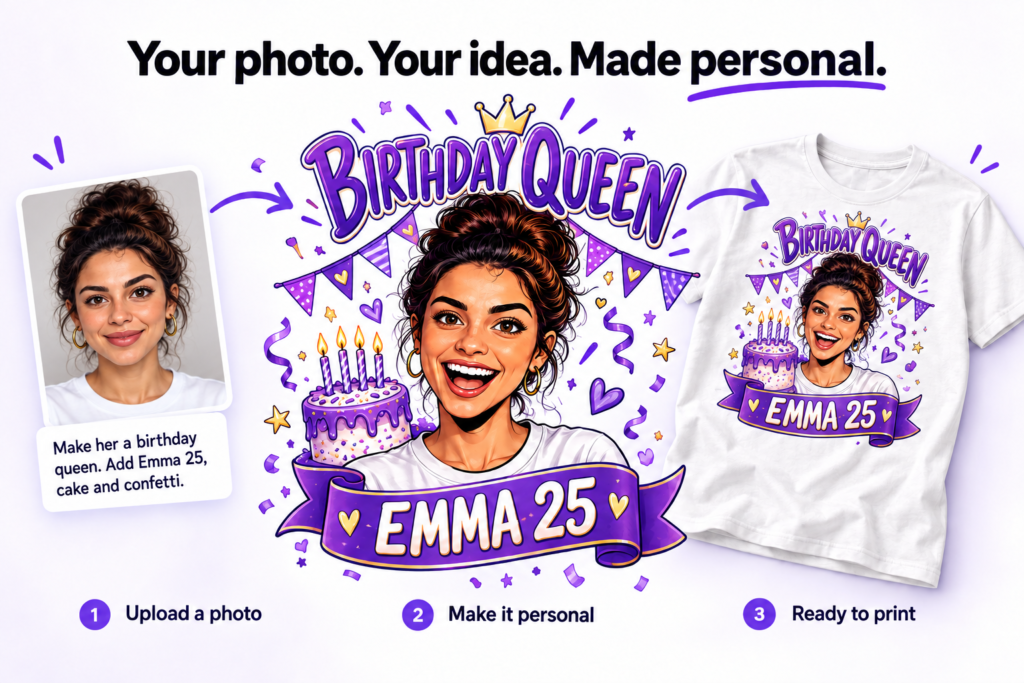
From prompt to personal
The difference is your customer’s dog. (PRO)
“Put a dog on a surfboard.” It is a fun prompt, and other plugins offer this kind of image generation too. It can produce a striking comic in seconds. But the dog in that picture is invented. It could belong to anyone. A text prompt tells AI what kind of scene to make; when there is no photo to work from, text-to-image fills in the details for itself.
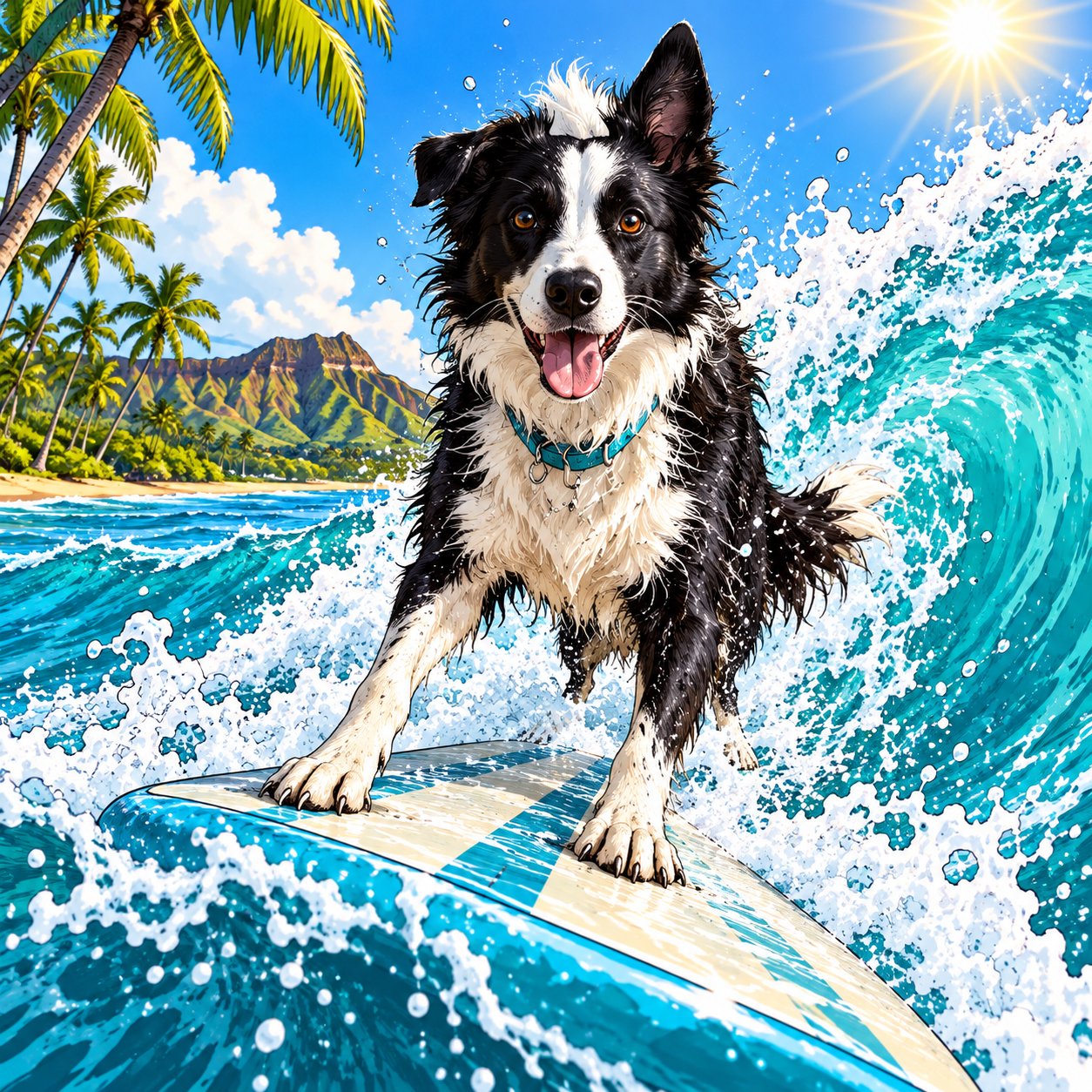
Now let your customer start with a photo from their own camera. Buddy is the black-and-white border collie they walked with on the beach. His white blaze, one upright ear and turquoise collar are the details that make him unmistakable. Add the prompt “Put MY dog on a surfboard” and the creative brief changes completely. The goal is no longer a generic surfing dog. It is a new comic scene built around the dog your customer knows.
That is the difference between text-to-image and image-to-image: an idea described in words versus a new image guided by a real photo. The photo gives AI a reference; the prompt gives it a direction. Together they can turn an everyday snapshot into a personal illustration with a story behind it. The customer can still ask for a different style, mood, setting or composition while keeping the subject that matters. A comic of a stranger’s dog may look great. A comic of their dog is something they will want to keep, share and… PRINT
Text-to-image · generic result
“Put a dog on a surfboard.”
No photo is uploaded. AI imagines a dog and creates a vivid surf comic from the prompt.
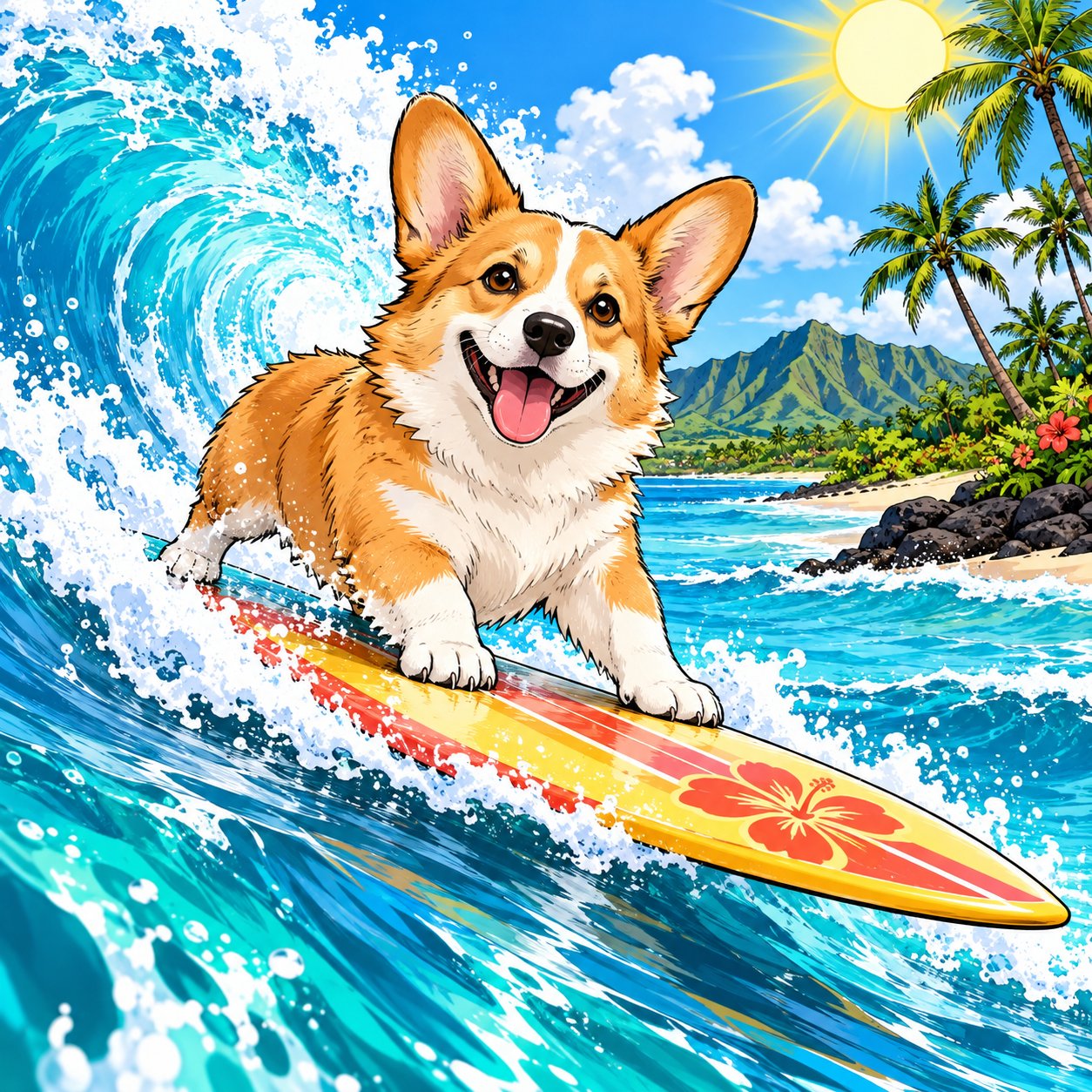
Image-to-image · personal result
“Put MY dog on a surfboard.”
Upload Buddy’s beach photo first. His own markings guide the new illustration.
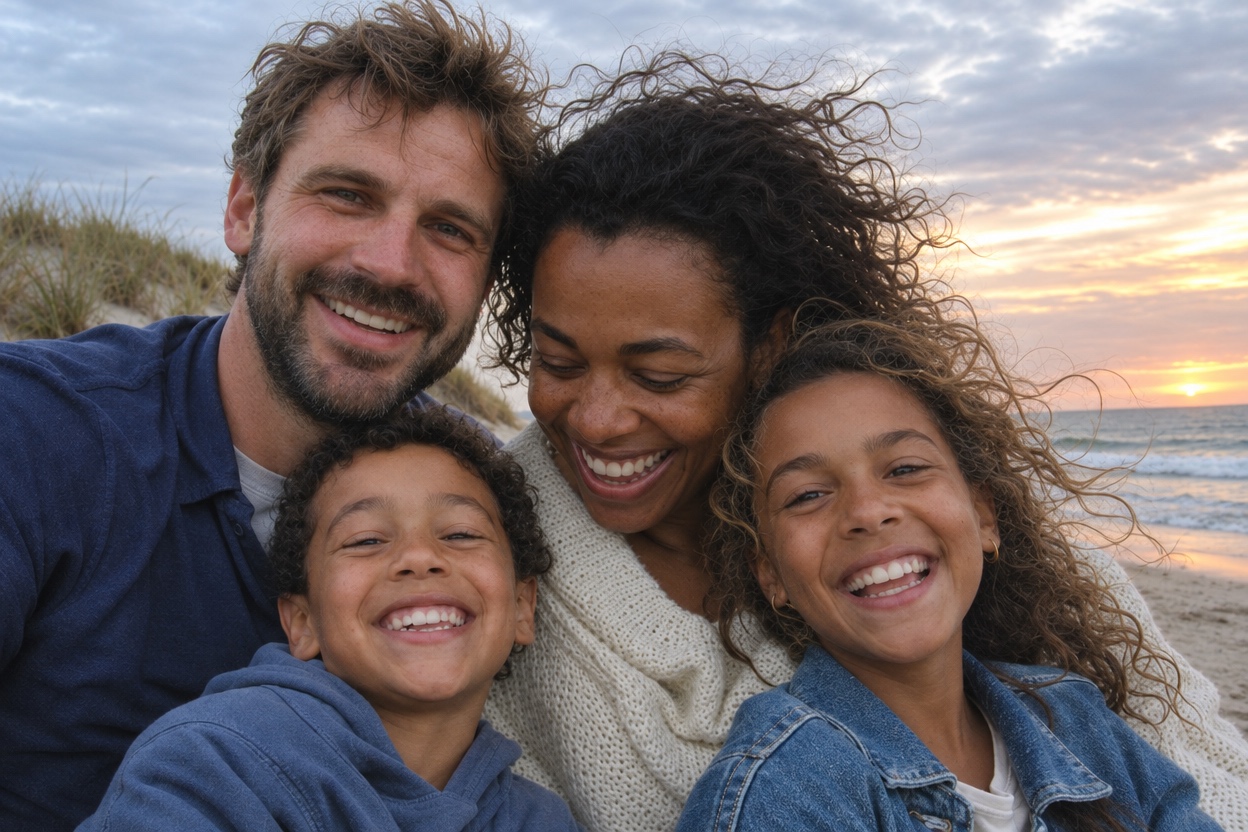
Buddy and his owner on their beach walk.
One photo. One more idea.
Now make it Buddy’s own logo.
The customer can keep building on the same photo. Add Buddy’s name, a place and a reason to celebrate, then turn the surfing scene into a comic-style design with a personal identity. Here, the familiar outline of the Scheveningen Pier and its Ferris wheel put the story close to home.
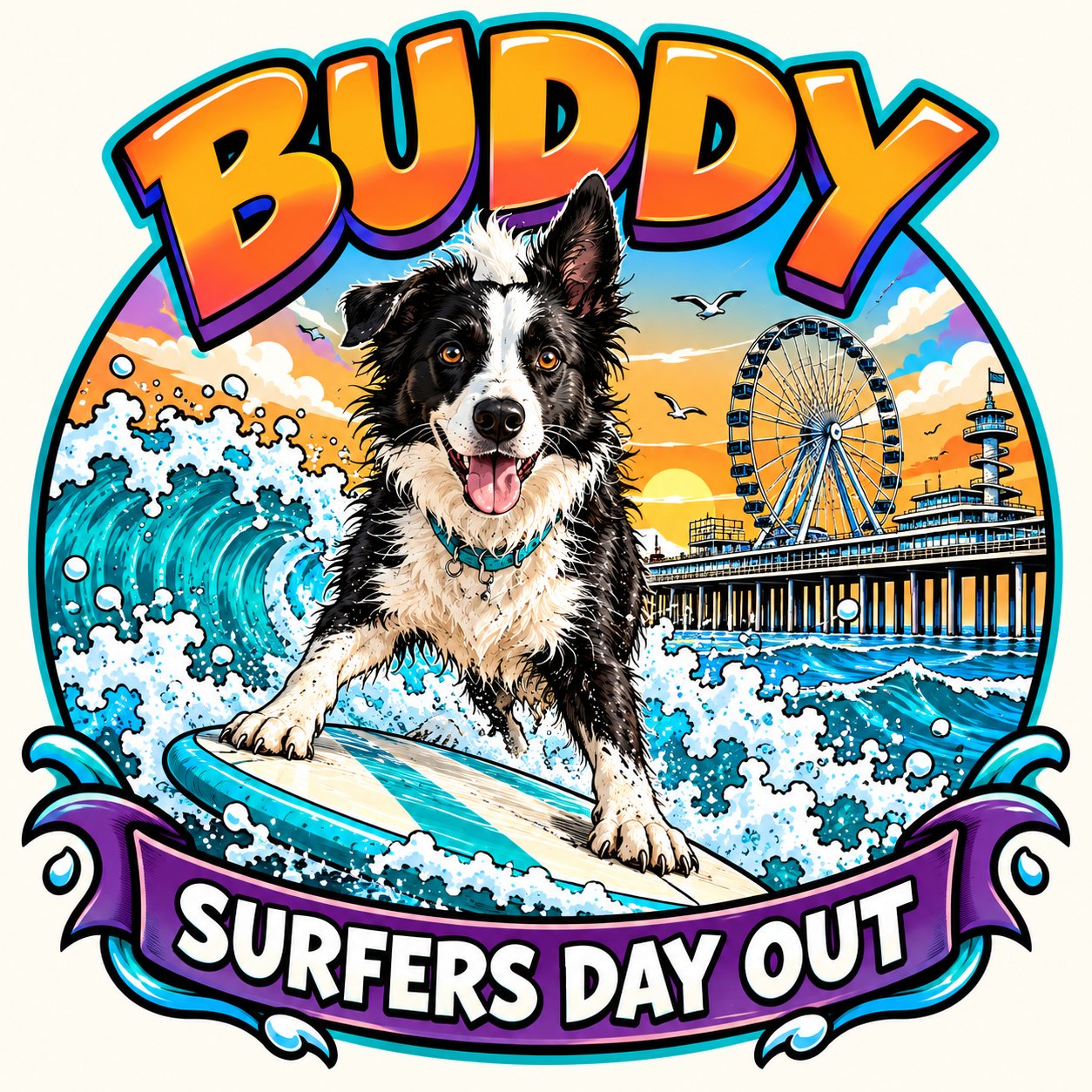
Made in the store. Ready to order.
Buddy’s design goes straight onto the shirt.
Create the personal artwork in PrintGear, place it on an orange T-shirt and add the finished product to the WooCommerce order. One continuous path from the customer’s idea to the print shop.
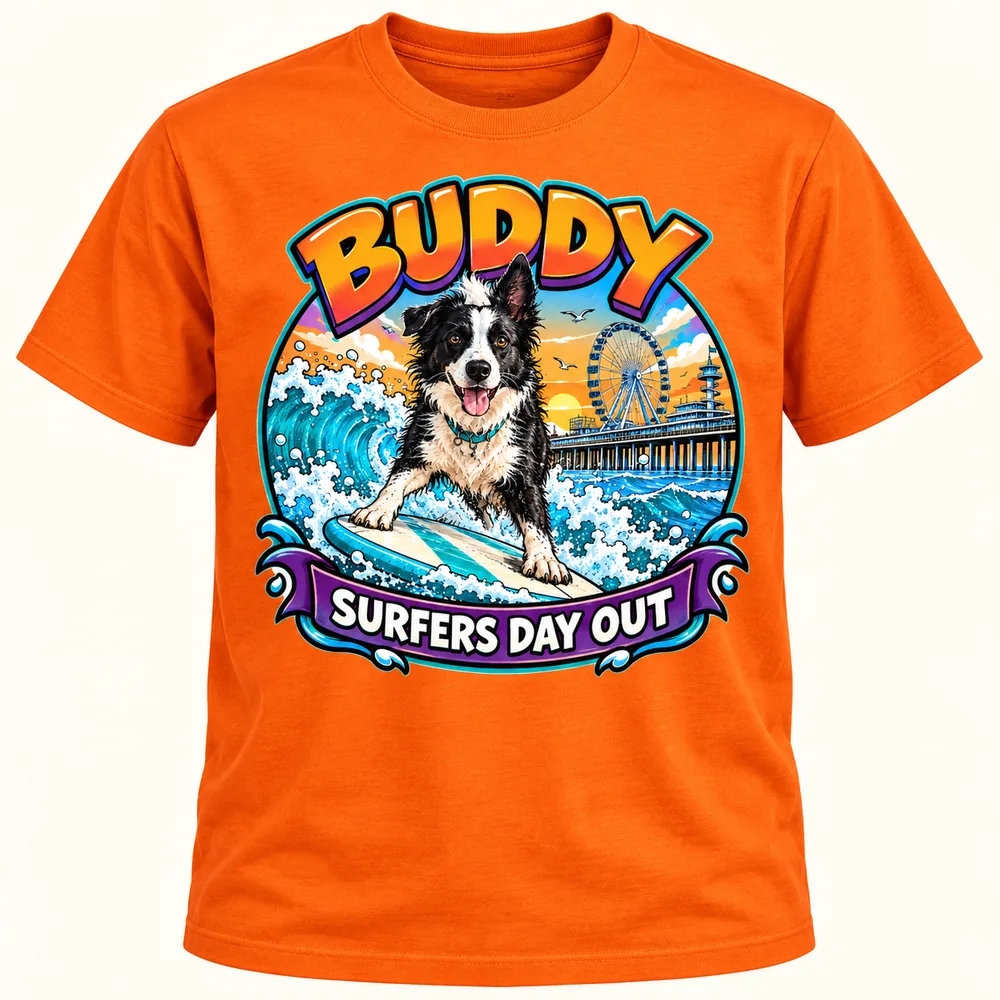 Buddy · orange T-shirt · front print
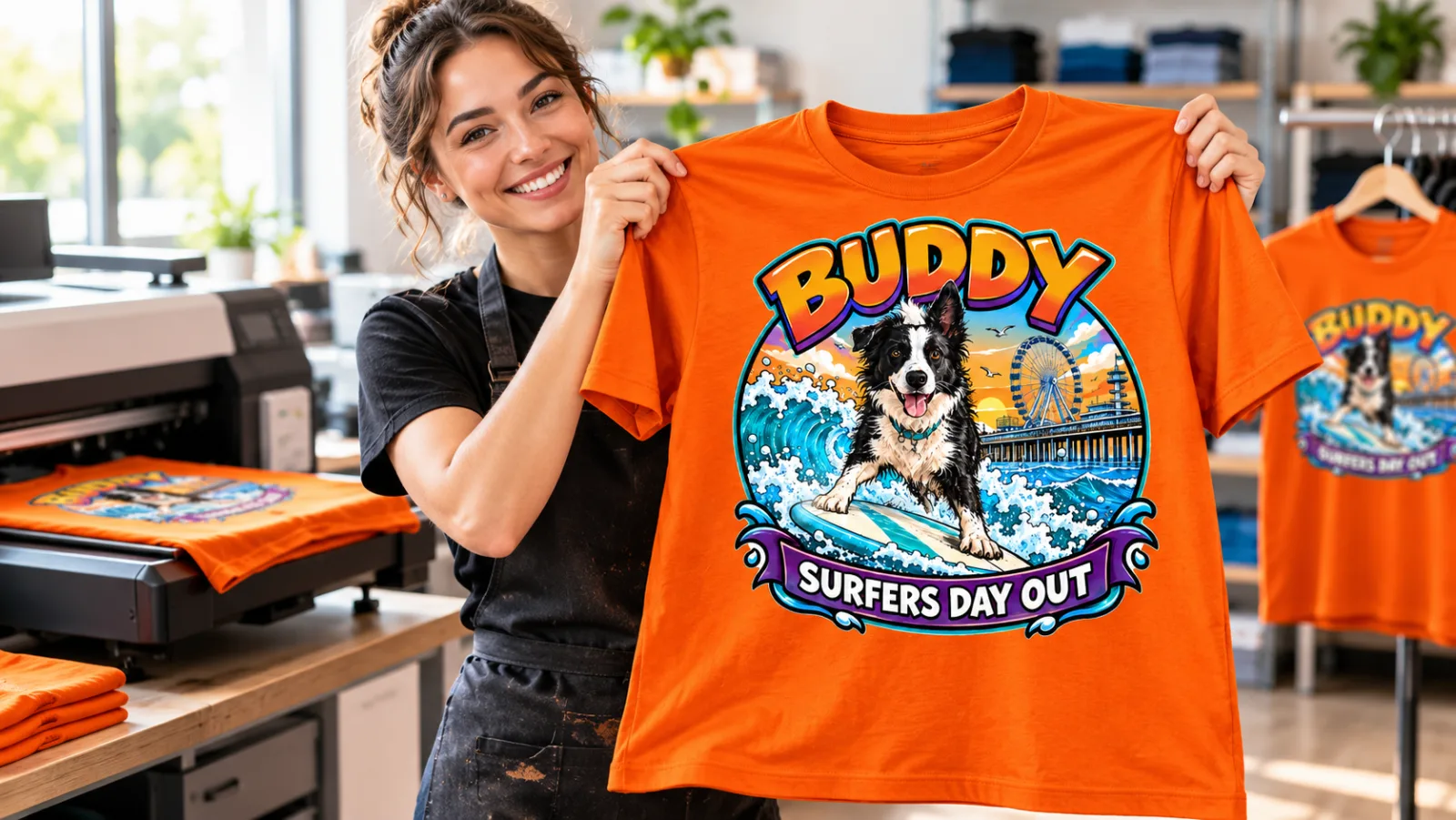
The difference is easy to see: any dog can come from words alone; your customer’s dog starts with their photo. PrintGear helps turn that personal reference and a creative prompt into a design they can make their own. No detour through ChatGPT: your customers can create, personalise and order directly in your shop.
PrintGear for WooCommerce (PRO)
Includes 100 AI credits every month.
Billed monthly, ex. VAT. Renews monthly until canceled.
PrintGear saves you even more work. (PRO)
Low-quality photo uploads.
Your customer sees a favourite family moment. They may not even realise the photo they uploaded is too small or too blurry for print. As printers, we know the frustration that arrives with that order.
We could insist on 300 dpi or a minimum image size. But that is print terminology — and another hurdle between your customer and their order.
With PrintGear, you fix it afterwards, right in your back office. Open the ordered design, select the photo and choose Improve photo. Save the updated design and prepare your production files. Your customer does not have to recognise the problem, learn the terminology or upload the photo again.
with our credit packs, excluding tax.
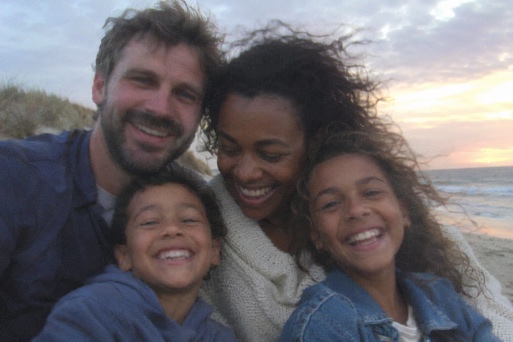 Original uploadImproved with PrintGear
A child’s drawing. (PRO)
One T-shirt. A Father’s Day gift that matters.
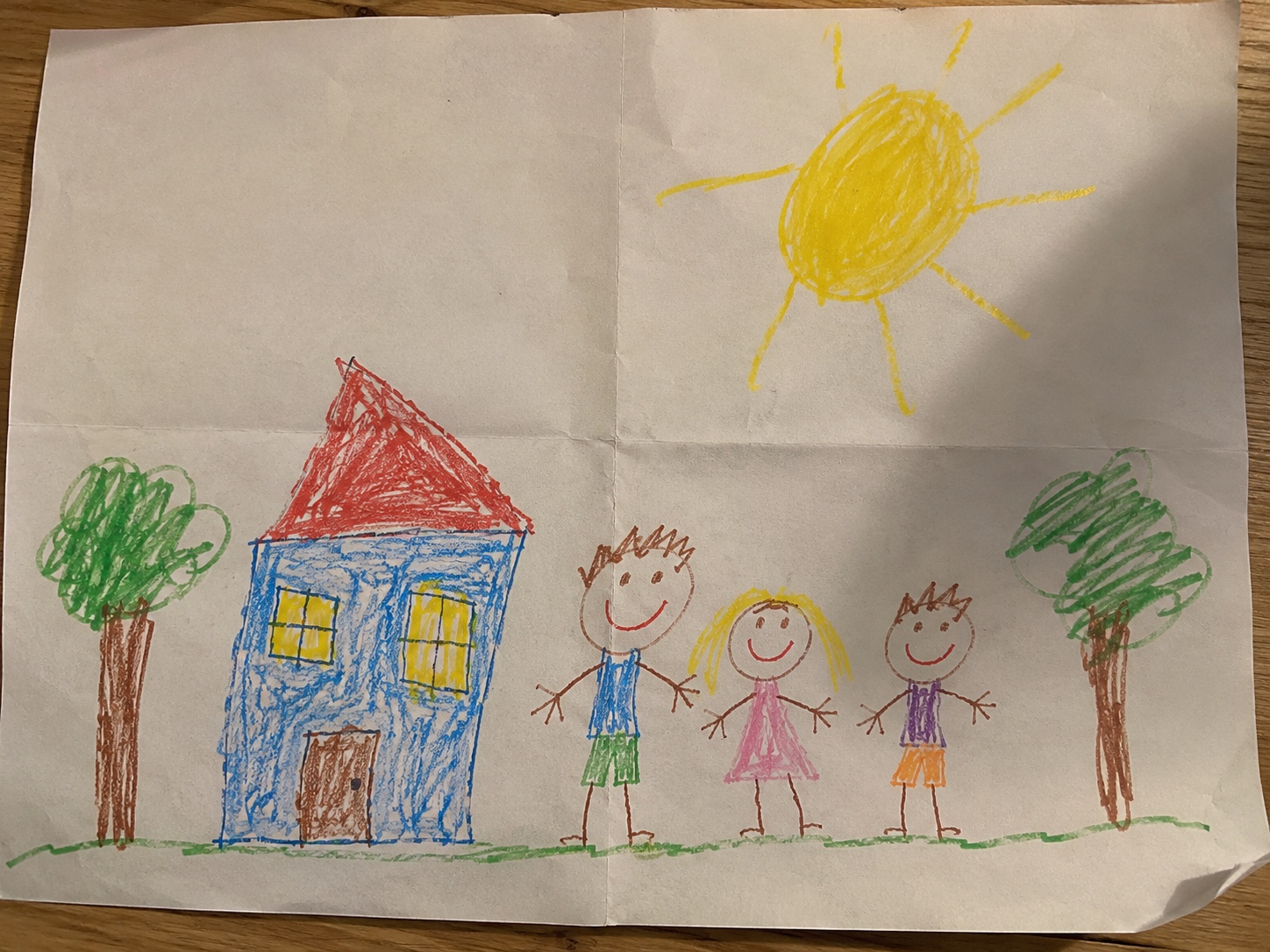
A customer emails you a photo of their child’s drawing. Could you put it on a T-shirt for Father’s Day — just the drawing, if possible?
You know the problem. Creases, shadows and the kitchen table all come with the photo. Hours of Photoshop work are hard to justify for a single T-shirt. It is the kind of small order you might turn away.
With PrintGear, you can give that order a chance. Upload the photo, choose Edit photo → Refine drawing, and let PrintGear clean it up while keeping the character of the child’s original drawing. Then use Remove background to leave just the artwork.
Show your customer how, or do it for them. Send a design preview, the price and an order link by email, so they can see their child’s drawing on a T-shirt.
A personal request becomes a product they can picture. And you have spent your time helping a customer, rather than rebuilding their artwork.
1 to refine the drawing + 1 to remove the background.
Background removal that is ready for print. (PRO)
Watch the workshop background disappear. Keep the hair, smoke and flames; add the title as a separate text layer; then place both inside the shirt’s print area.
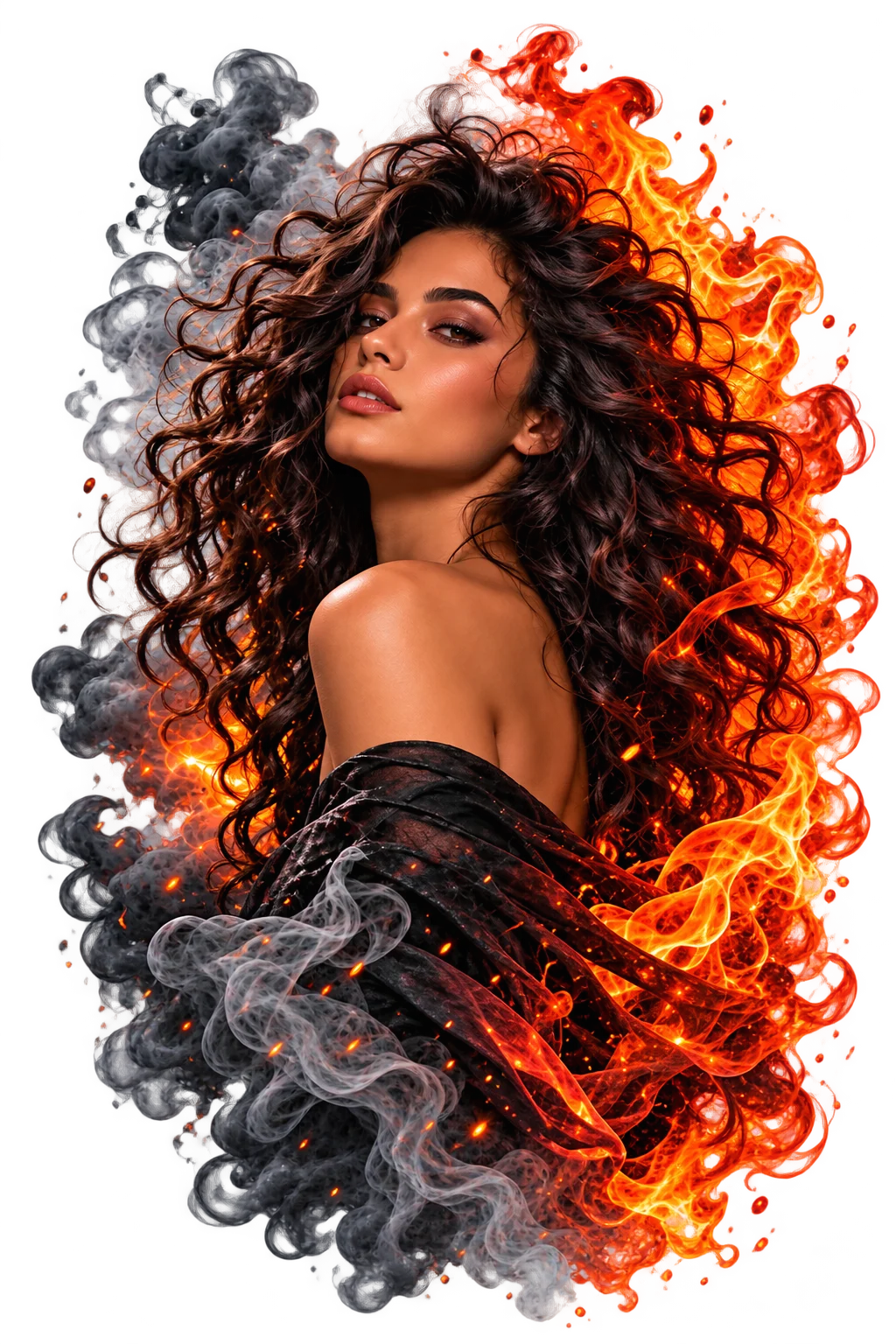
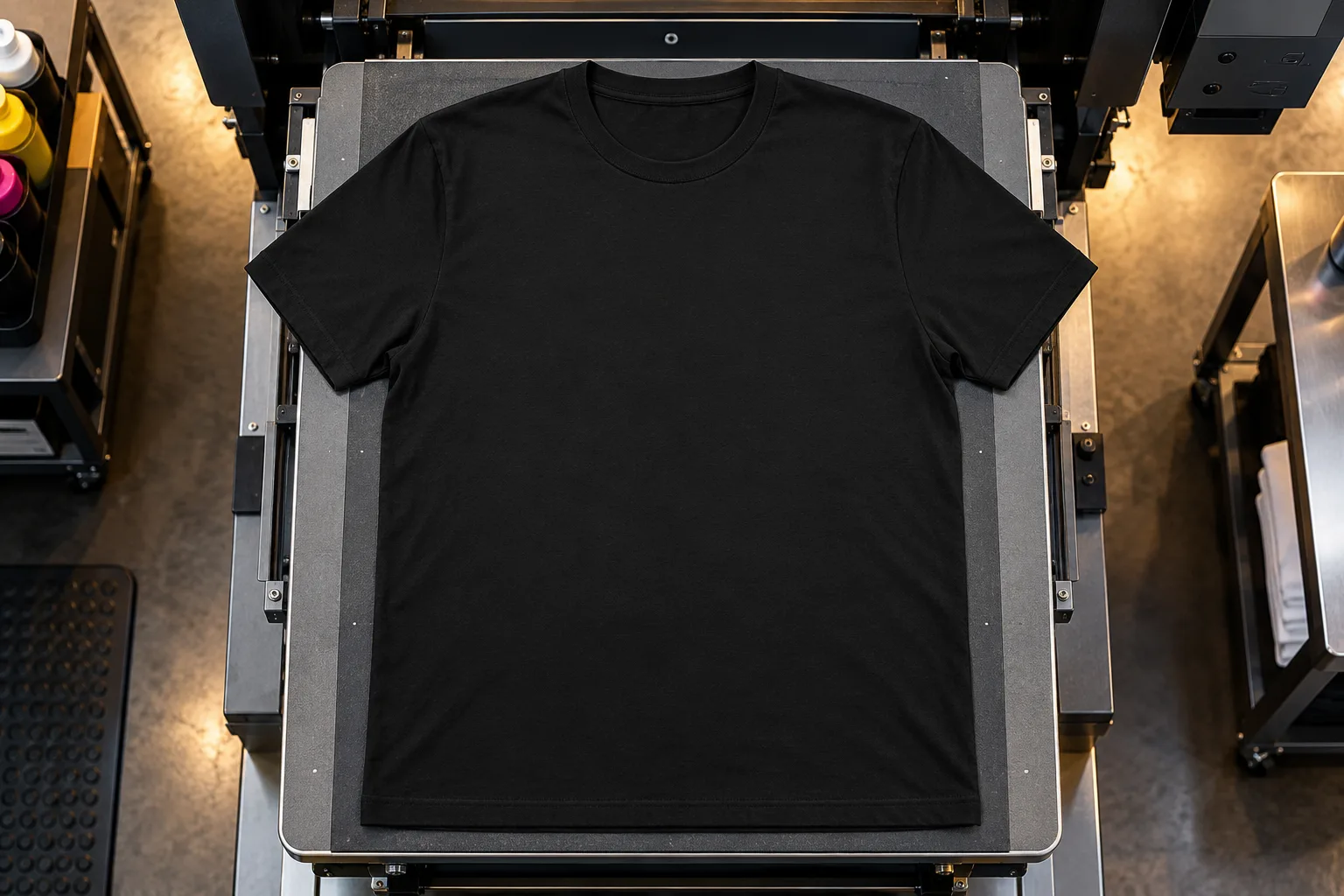
Image and title stay separate in the designer, so the artwork can be positioned and edited before the product is ordered.
Start Selling Custom Products in Minutes (PRO)
PrintGear Pro includes the ready-to-import Startup range shown below, complete with professional mockups. The free edition includes one starter T-shirt. Import as many as you like. You bring the store, printer and heat press; PrintGear takes care of the rest. Your product catalog can be ready to sell in minutes.
-
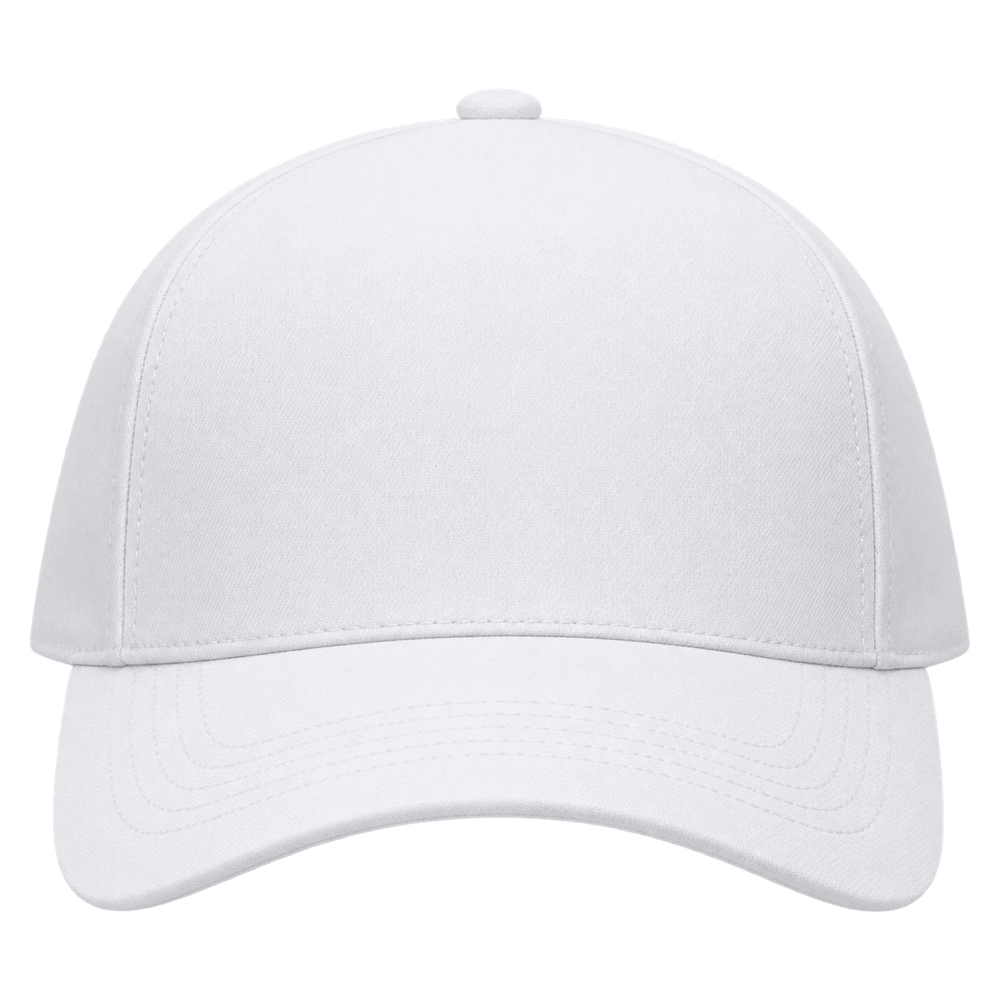
Baseball cap to design yourself
$ 6.00 -
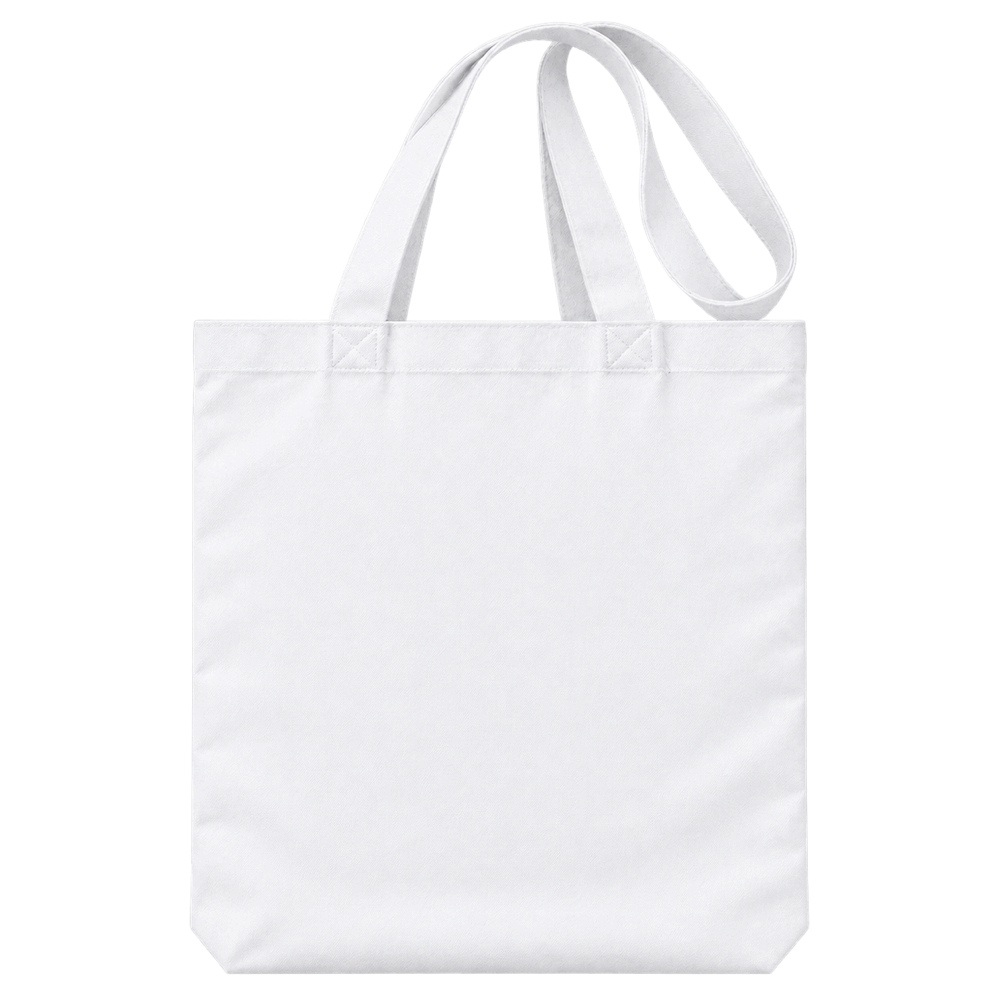
Cotton tote bag to design yourself
$ 8.00 -
Guitar pick to design yourself
$ 2.00 -
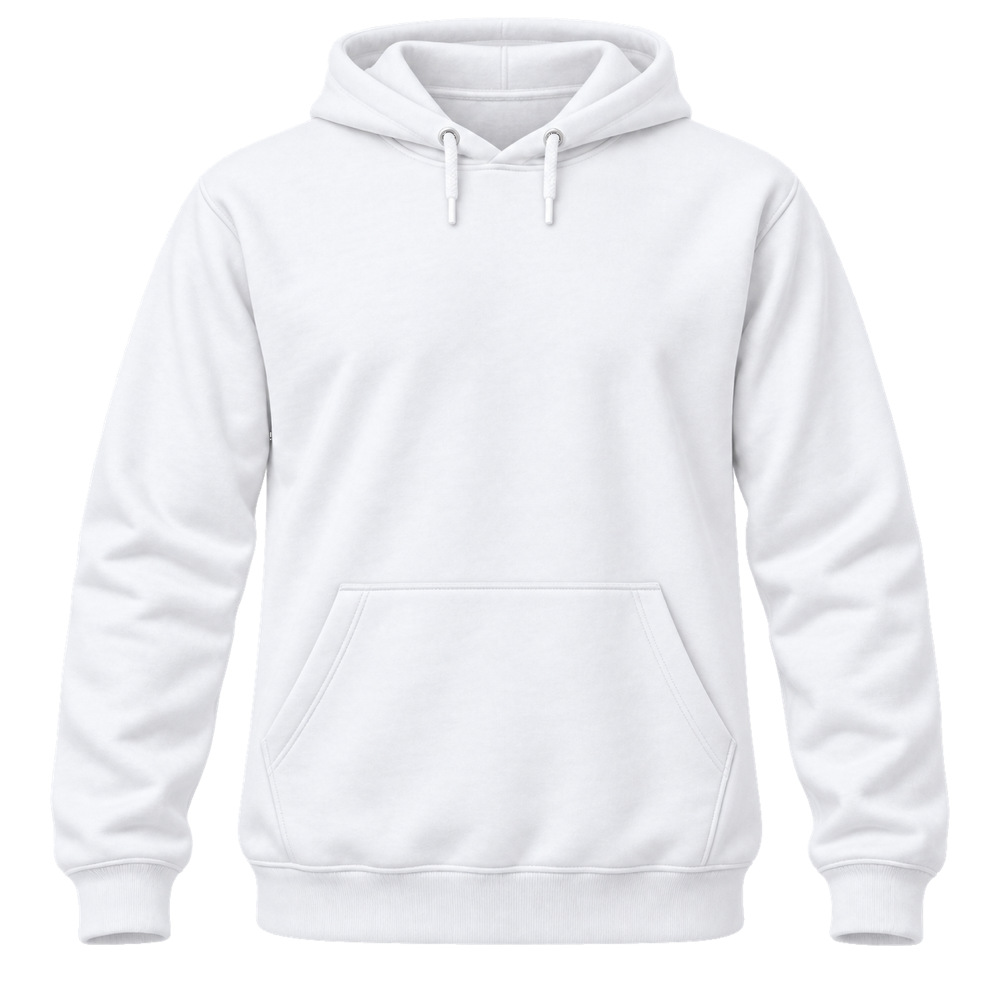
Hooded sweatshirt to design yourself
$ 20.00 -
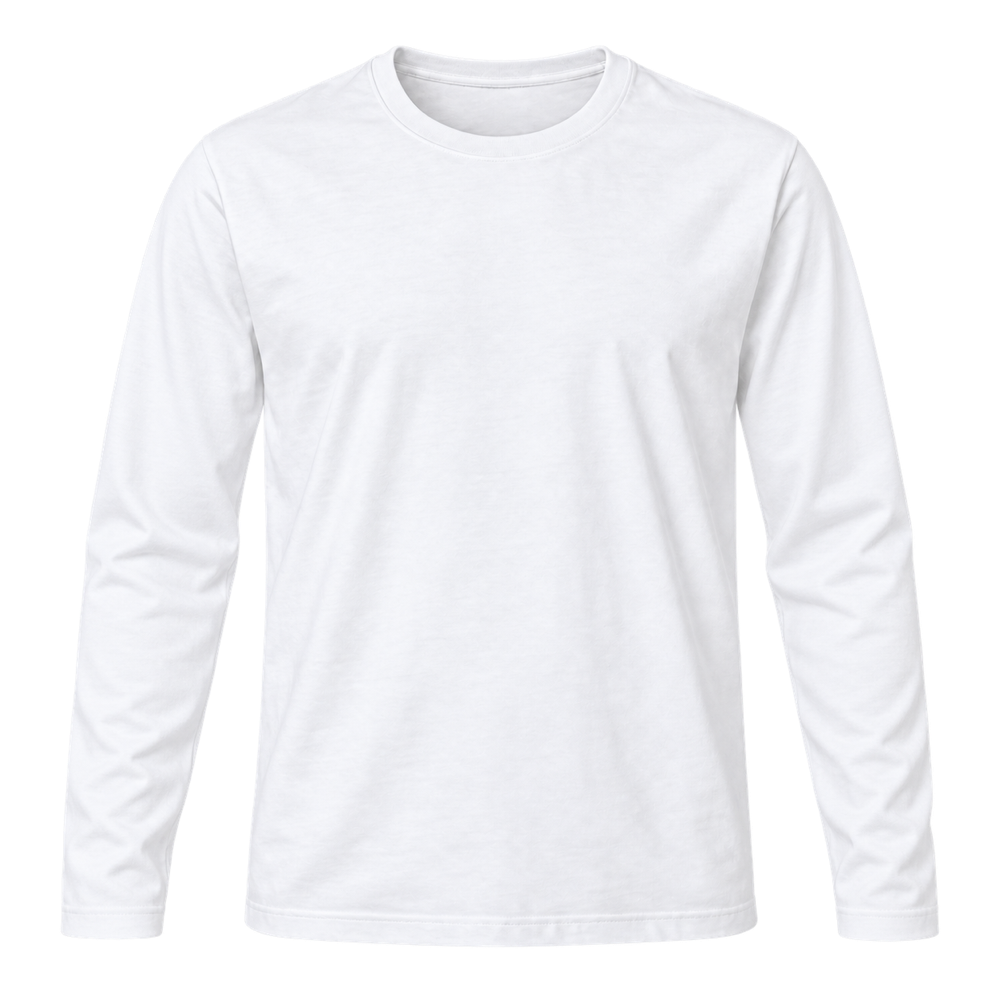
Long-sleeve T-shirt to design yourself
$ 12.00 -
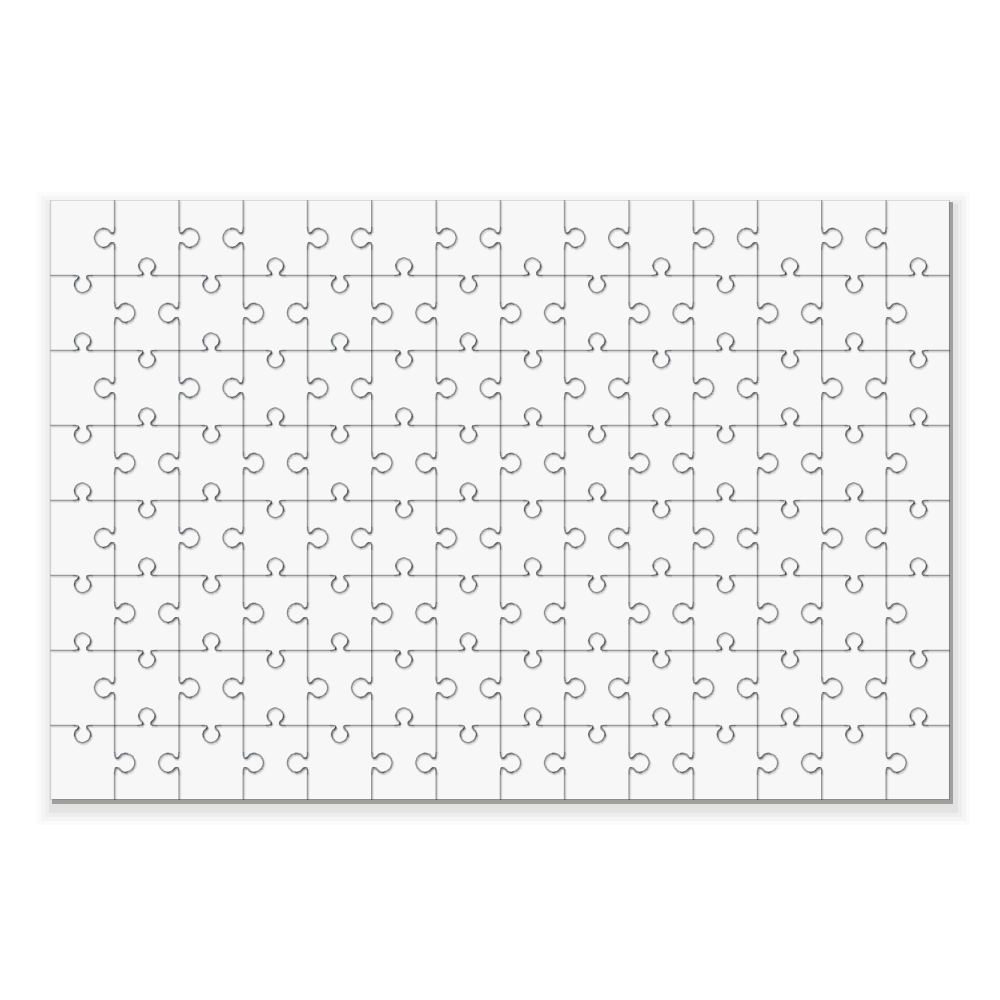
Photo puzzle to design yourself
$ 10.00 -
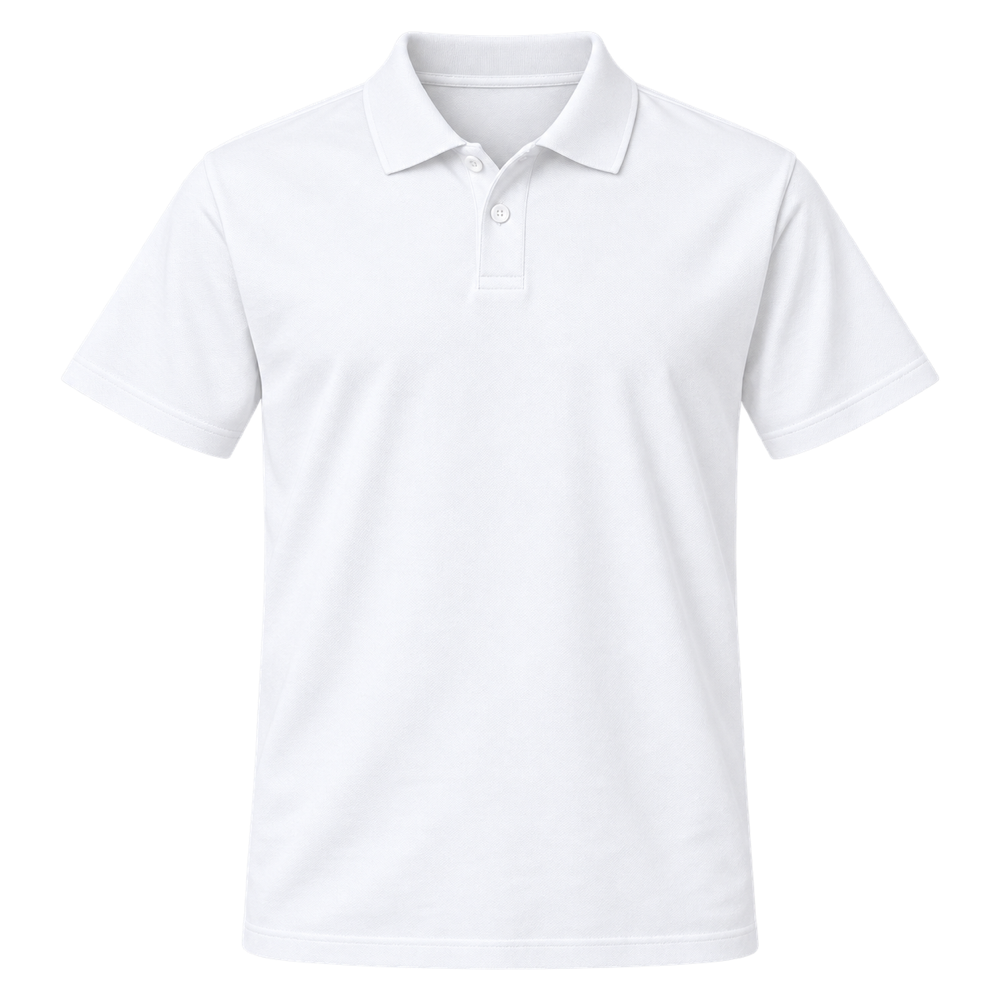
Polo shirt to design yourself
$ 17.50 -
Round pin button to design yourself
$ 2.00 -
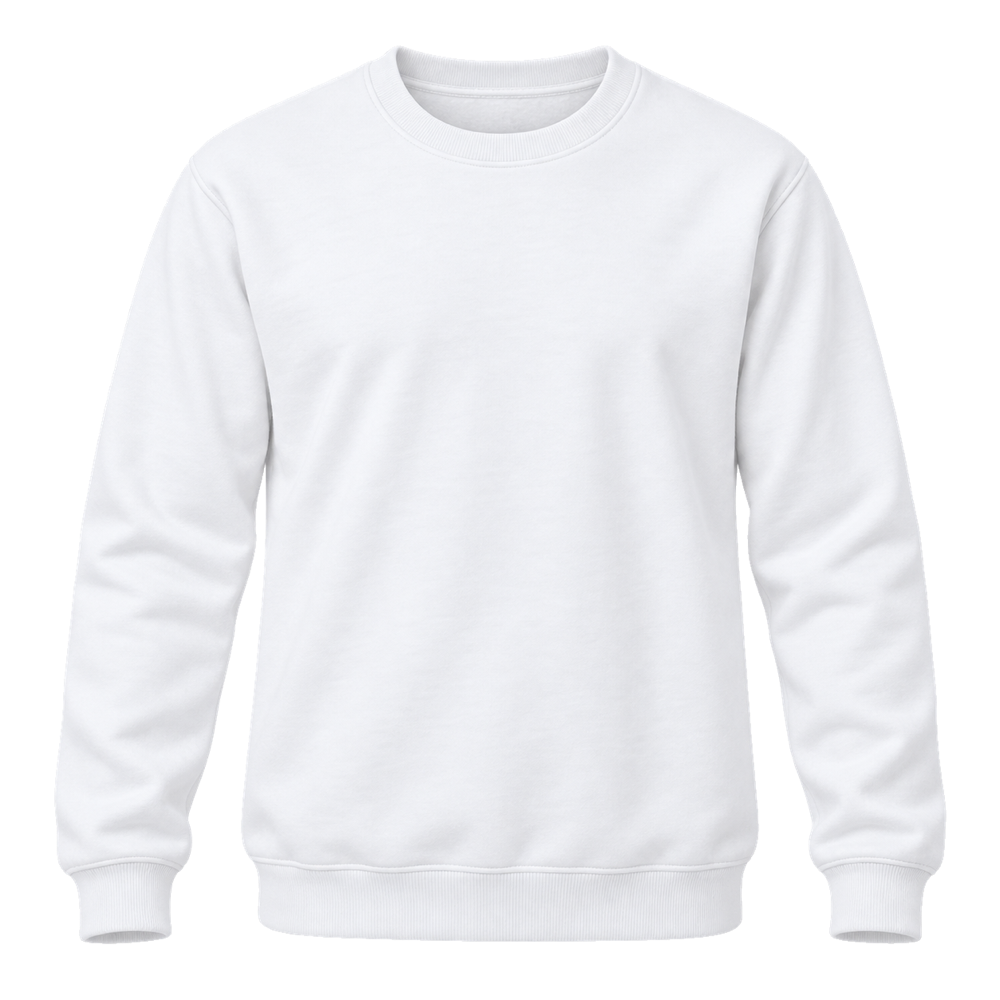
Sweatshirt to design yourself
$ 15.00 -
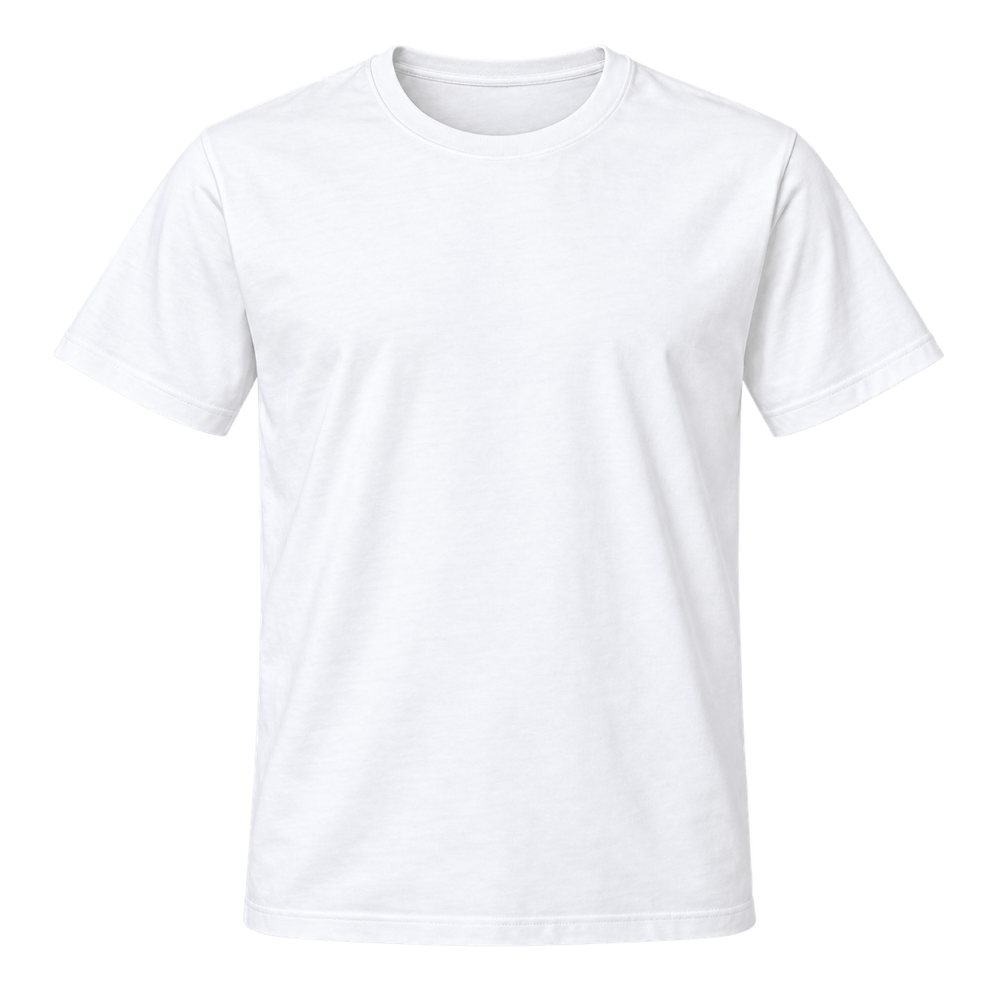
T-shirt to design yourself
$ 9.00 -
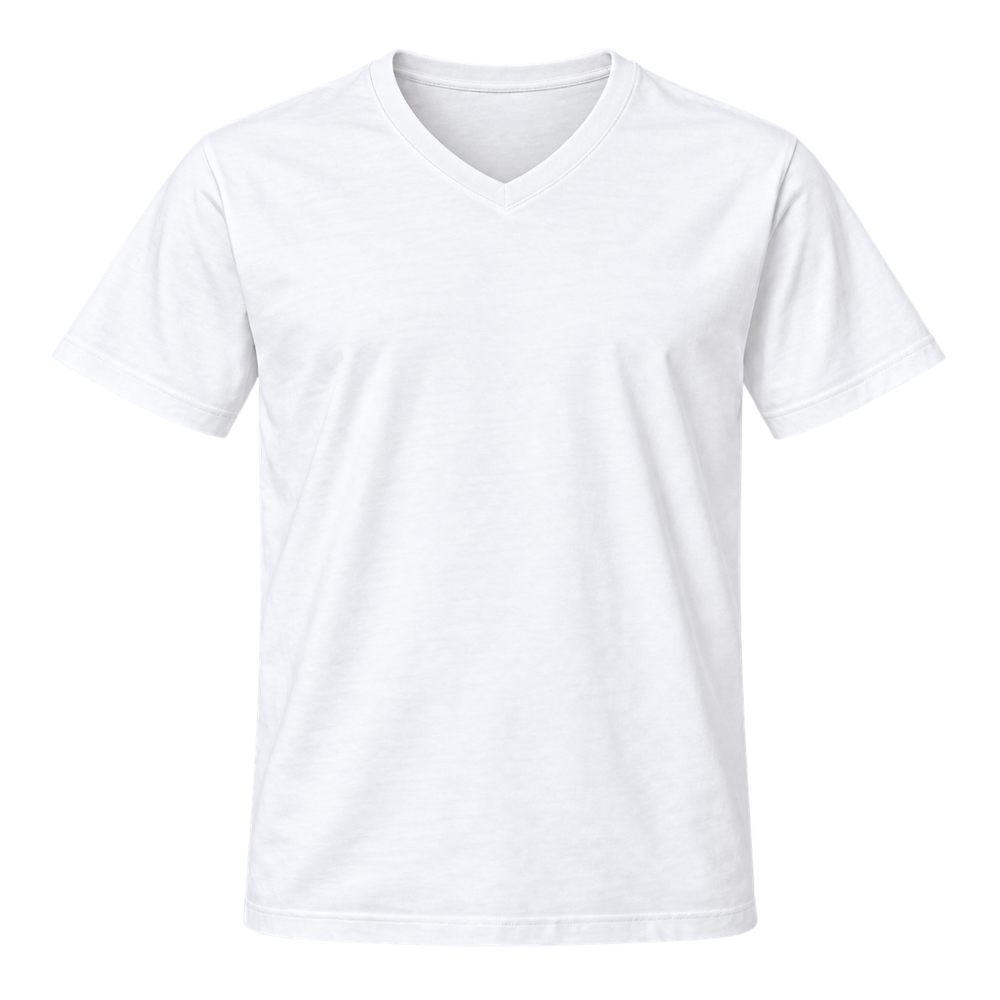
V-neck T-shirt to design yourself
$ 9.00 -
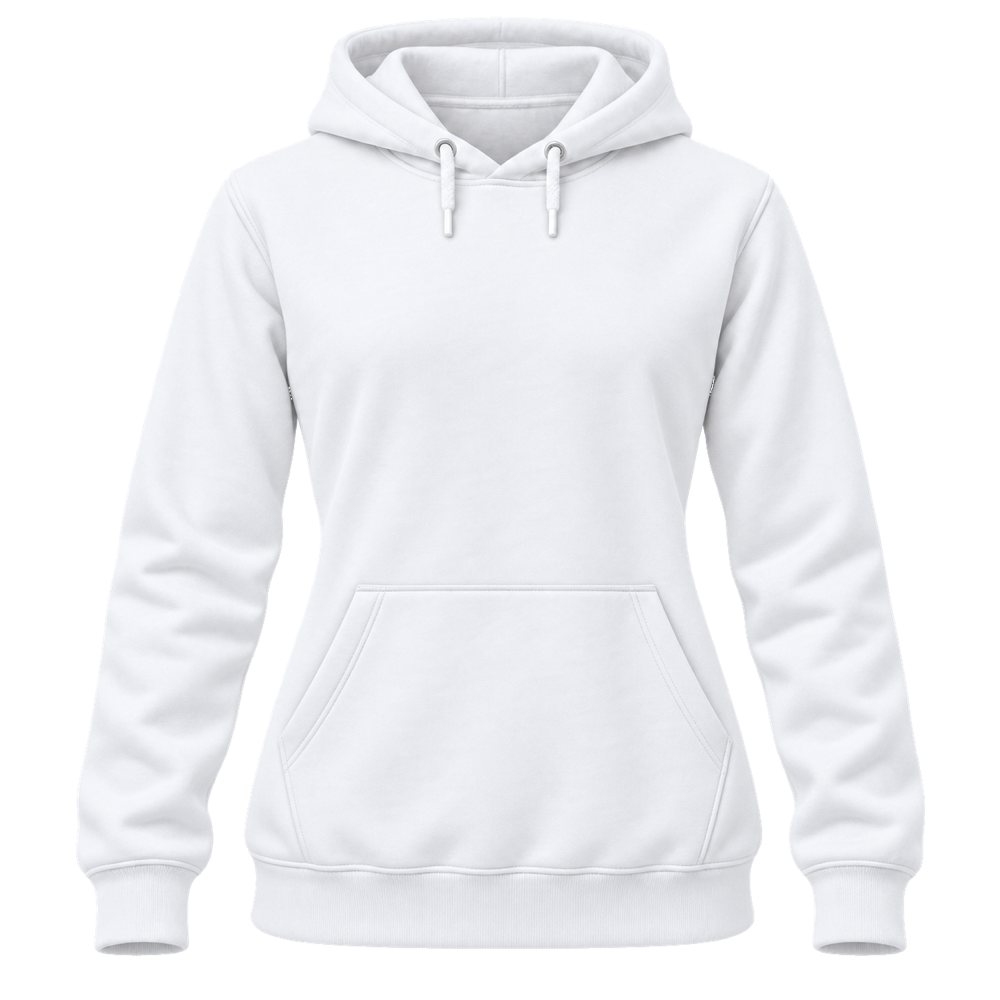
Women’s hooded sweatshirt to design yourself
$ 20.00 -
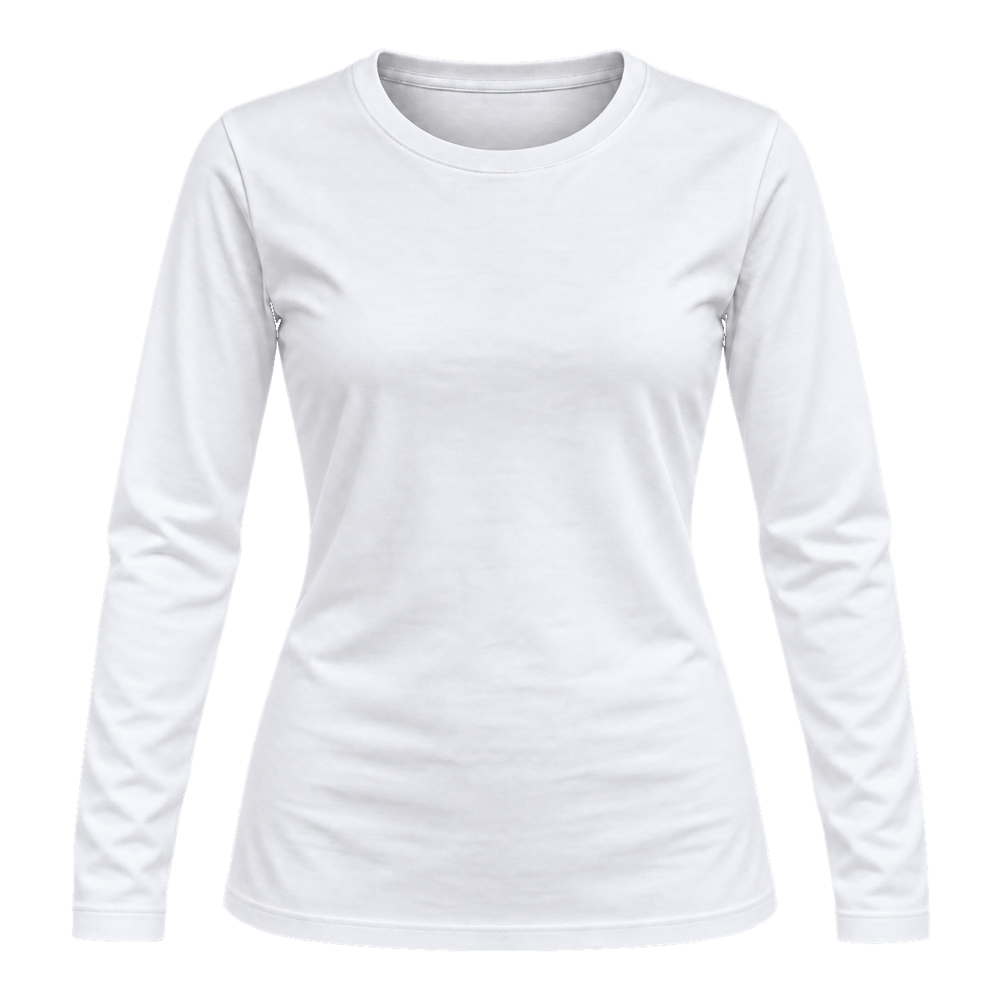
Women’s long-sleeve T-shirt to design yourself
$ 12.00 -
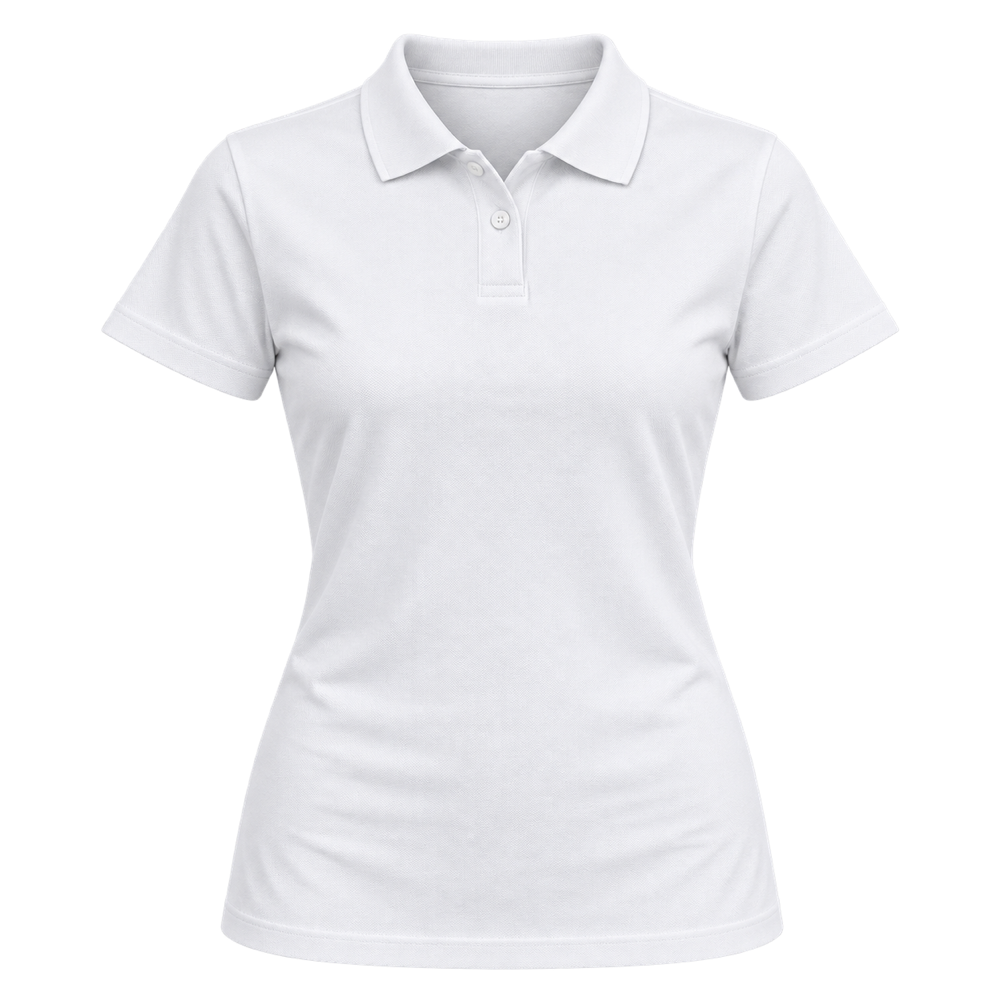
Women’s polo shirt to design yourself
$ 17.50 -
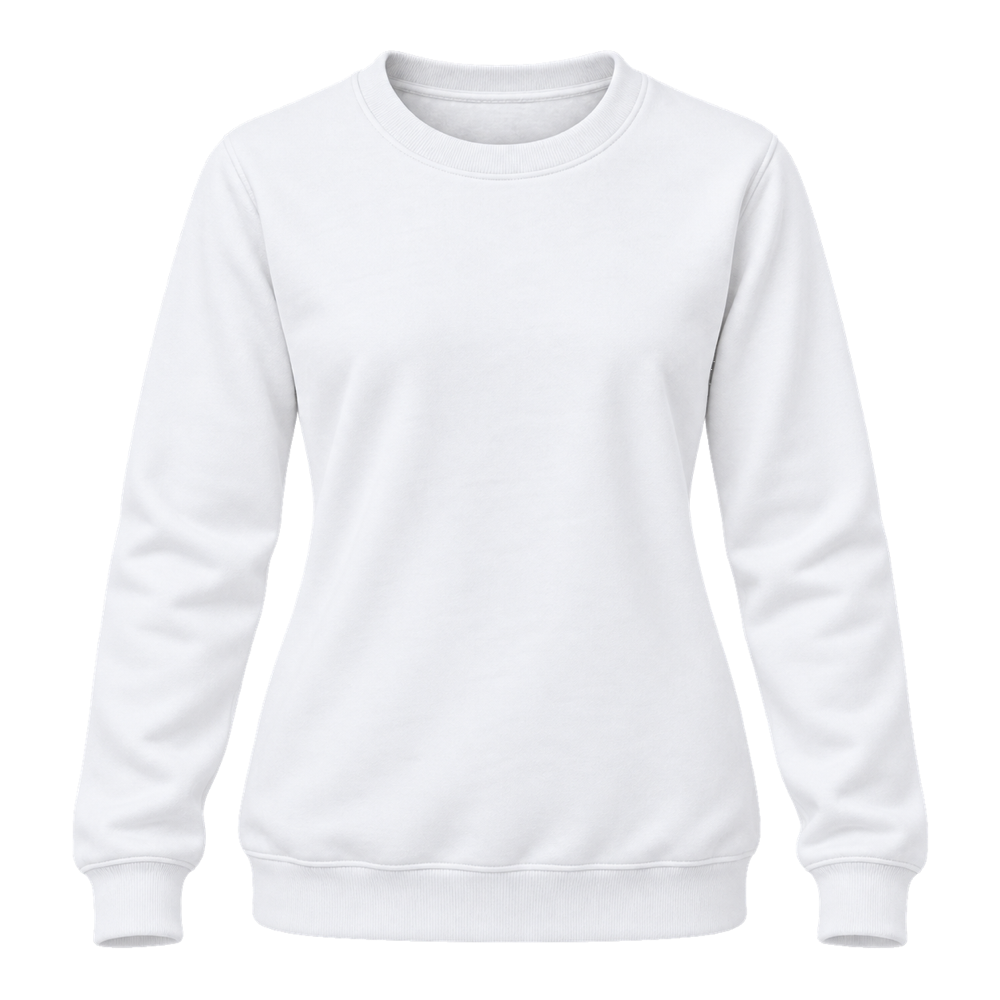
Women’s sweatshirt to design yourself
$ 15.00 -
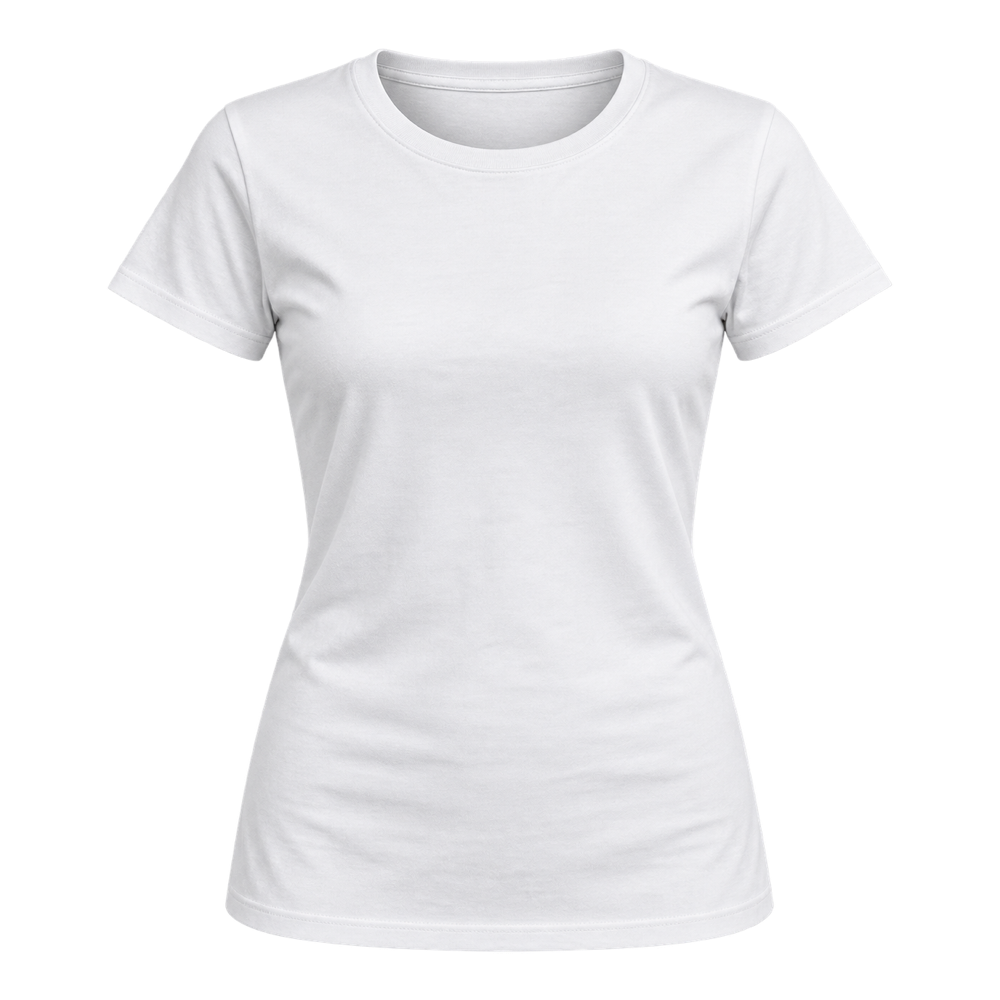
Women’s T-shirt to design yourself
$ 9.00