Turnkey Print Shop with Product Mockups for WooCommerce
Turnkey print shop · mockups included
Your turnkey print shop comes with product mockups.
PrintGear (PRO) includes the full Startup range shown below. The free edition includes one starter T-shirt with sizes, colours and front and back mockups. The full range comes at no extra cost with the PrintGear Pro subscription ($39/month, excluding tax).
Choose a product, select the material you supply and import its sizes, colours and front-and-back mockups into WooCommerce. Review your prices, then publish when you’re ready. With WooCommerce already installed, your starter shop can be ready in around 60 minutes.
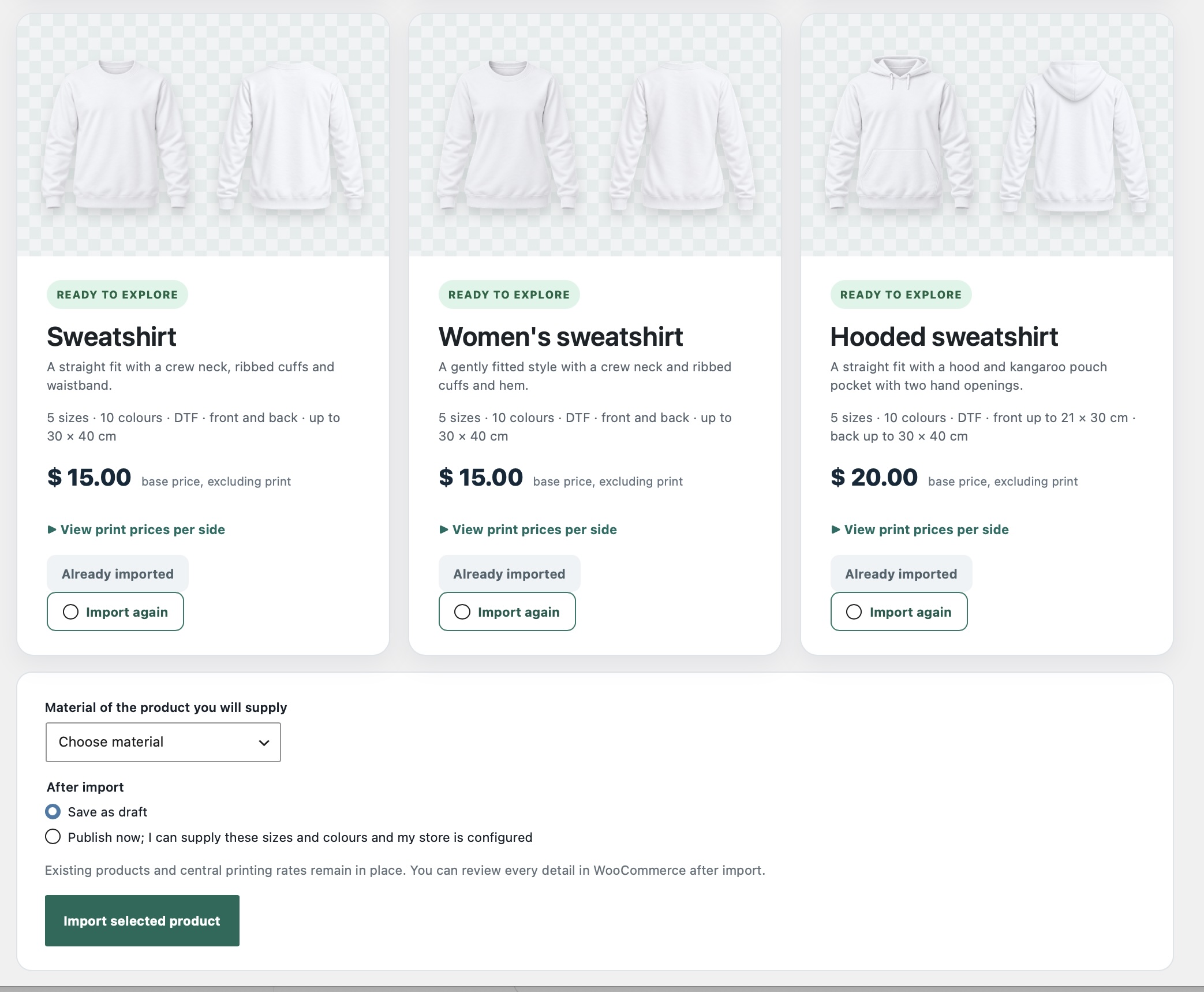
See exactly what you get. Click to enlarge the Startup import screen.
Explore the product mockups
How the turnkey print shop works
Build your turnkey print shop from product mockups
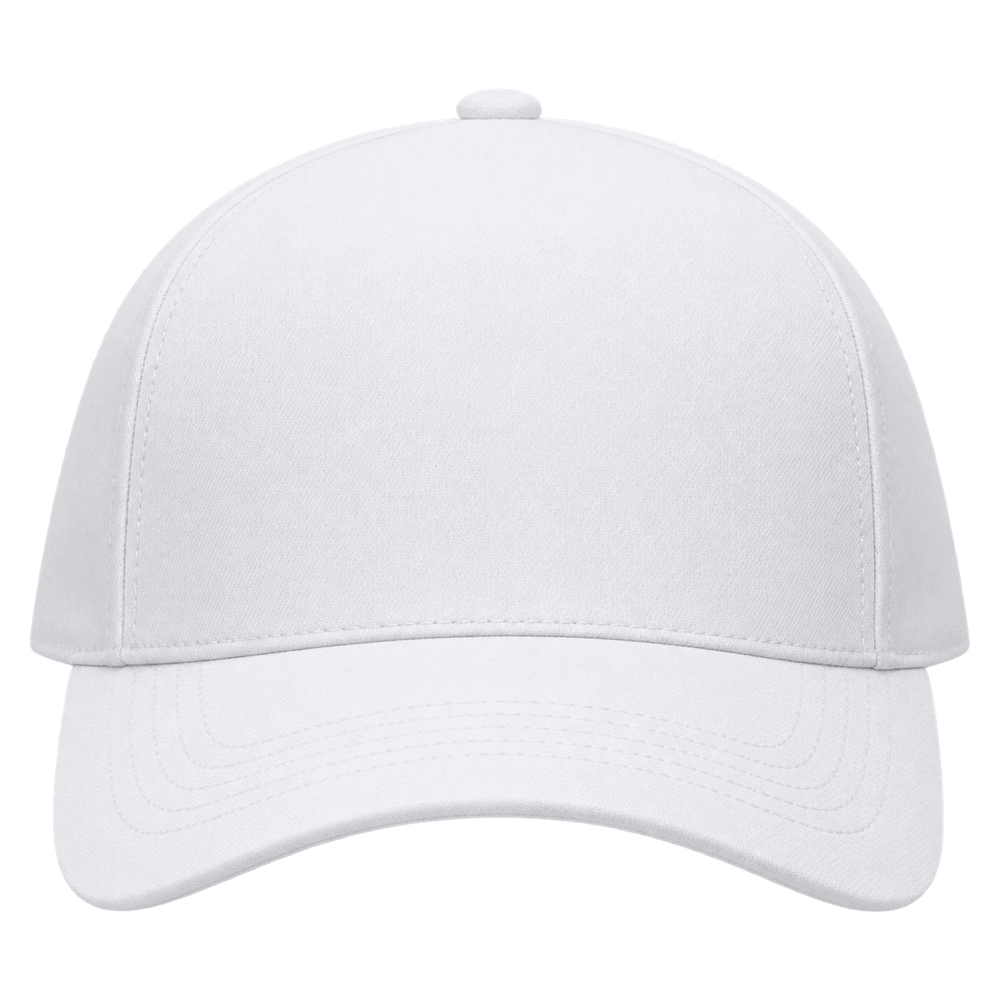
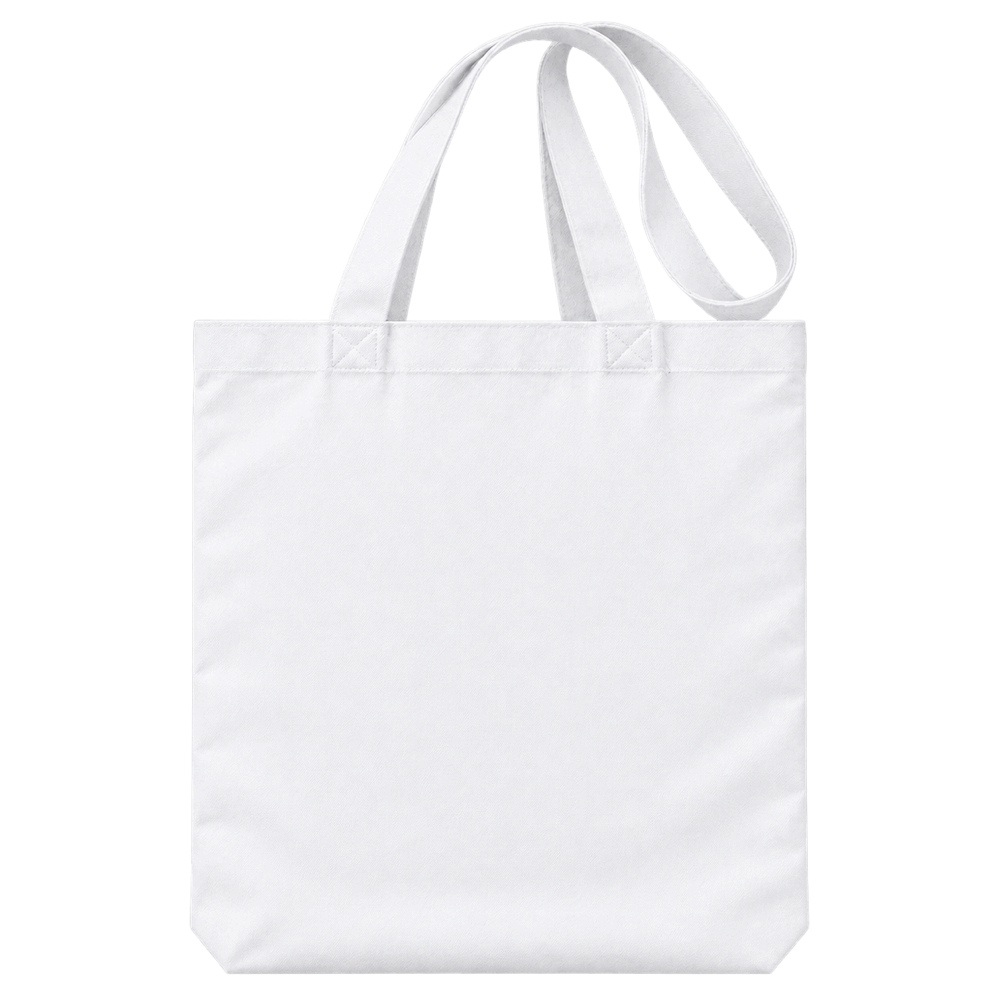
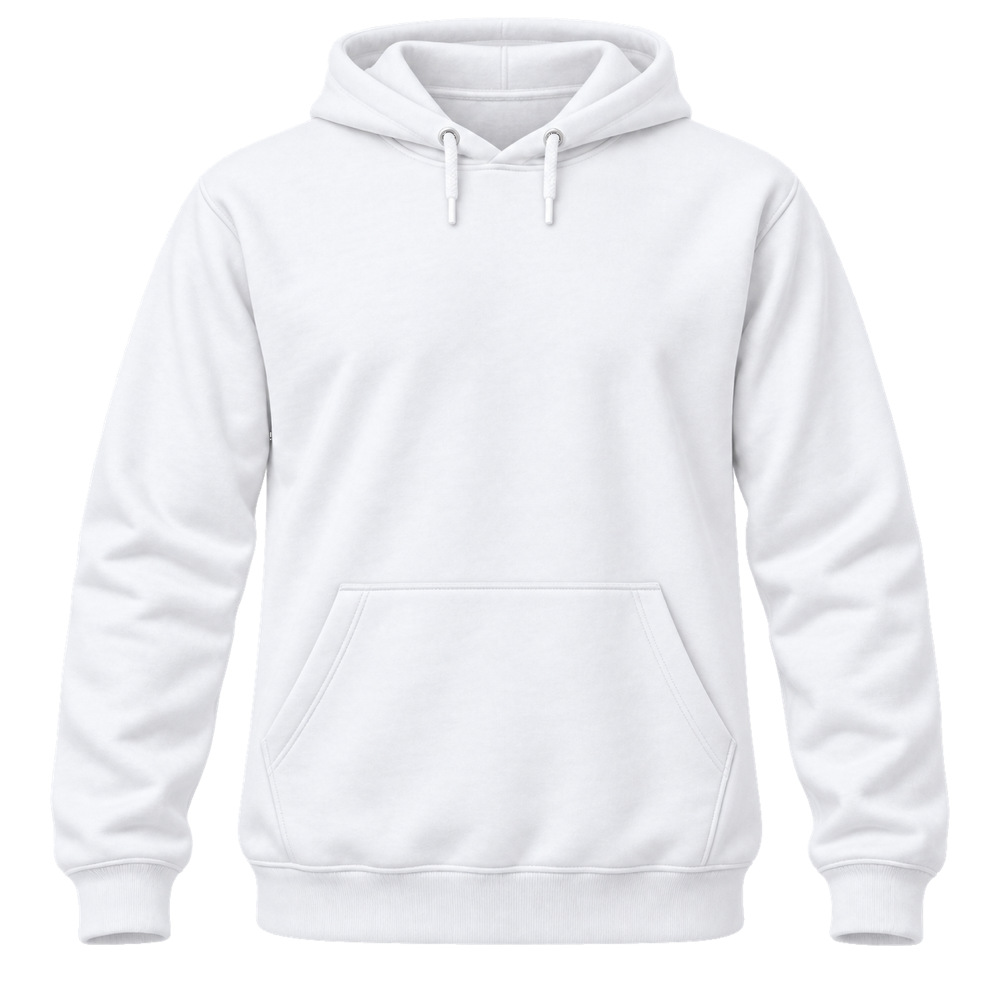
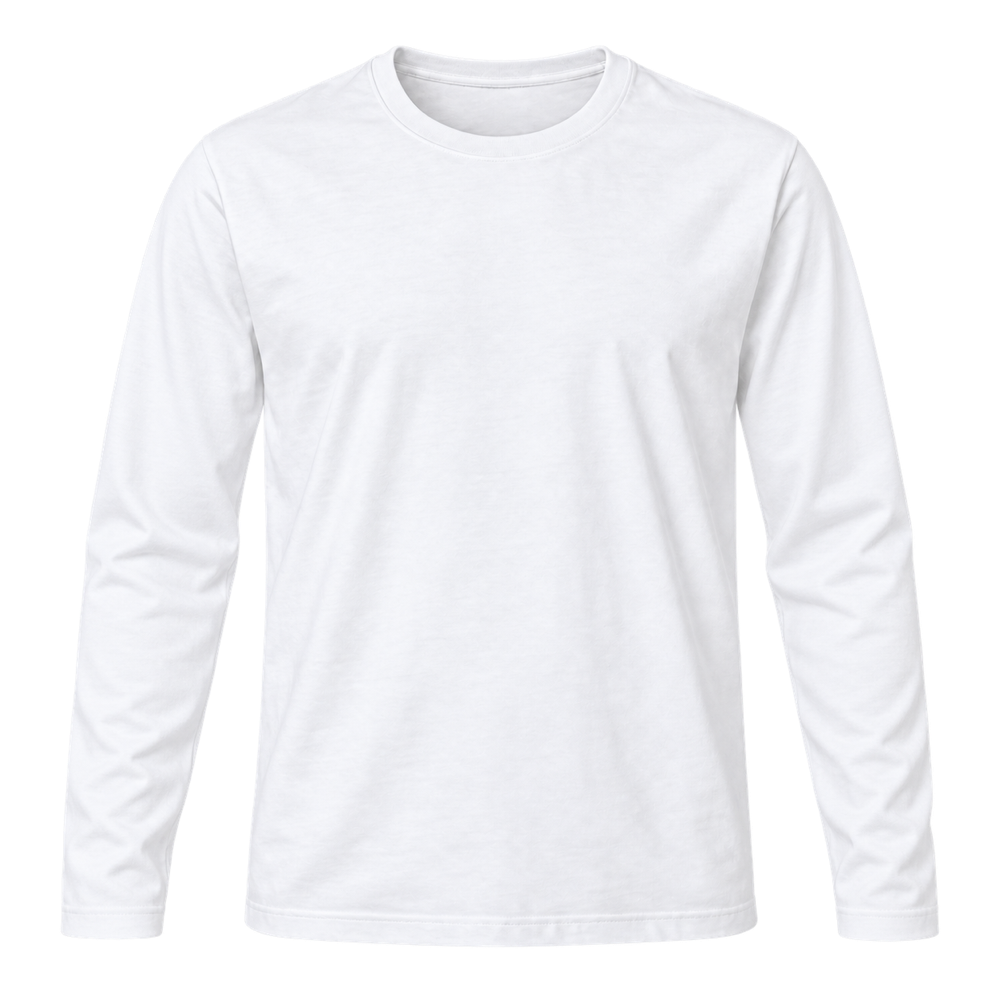
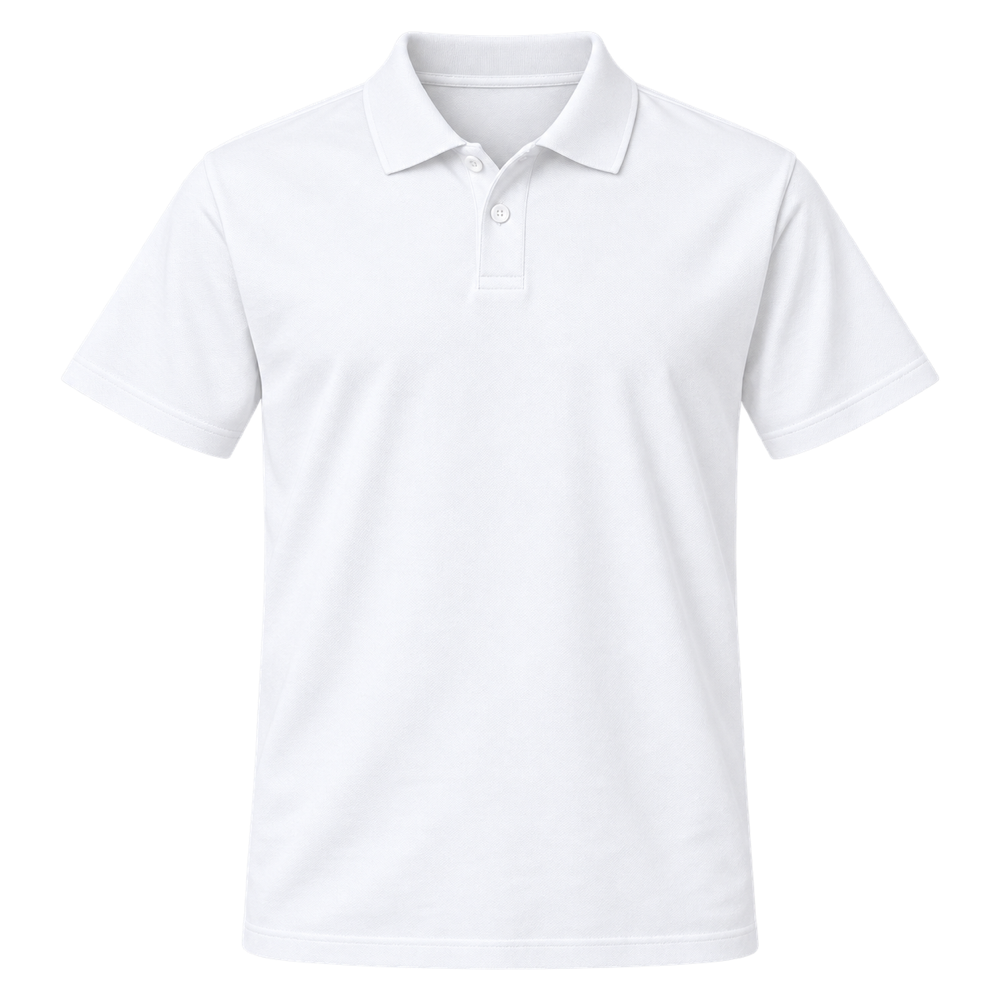
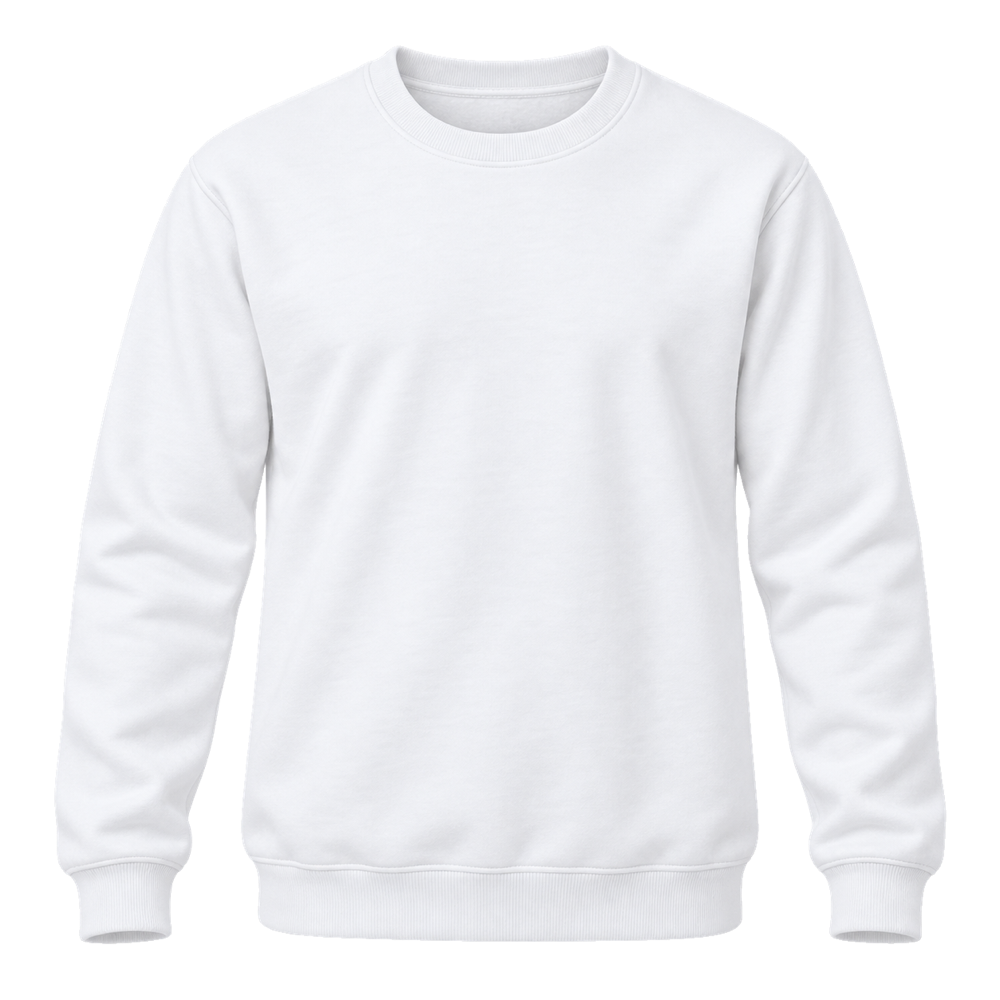
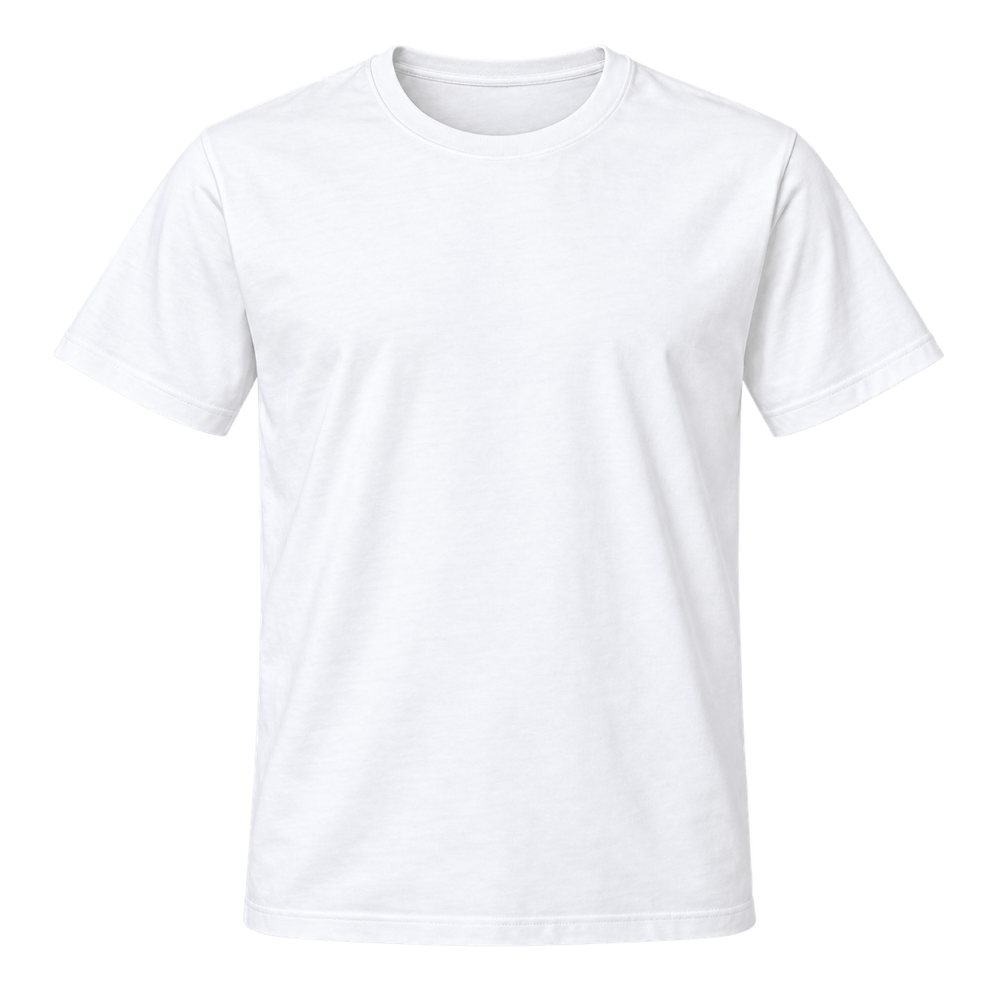
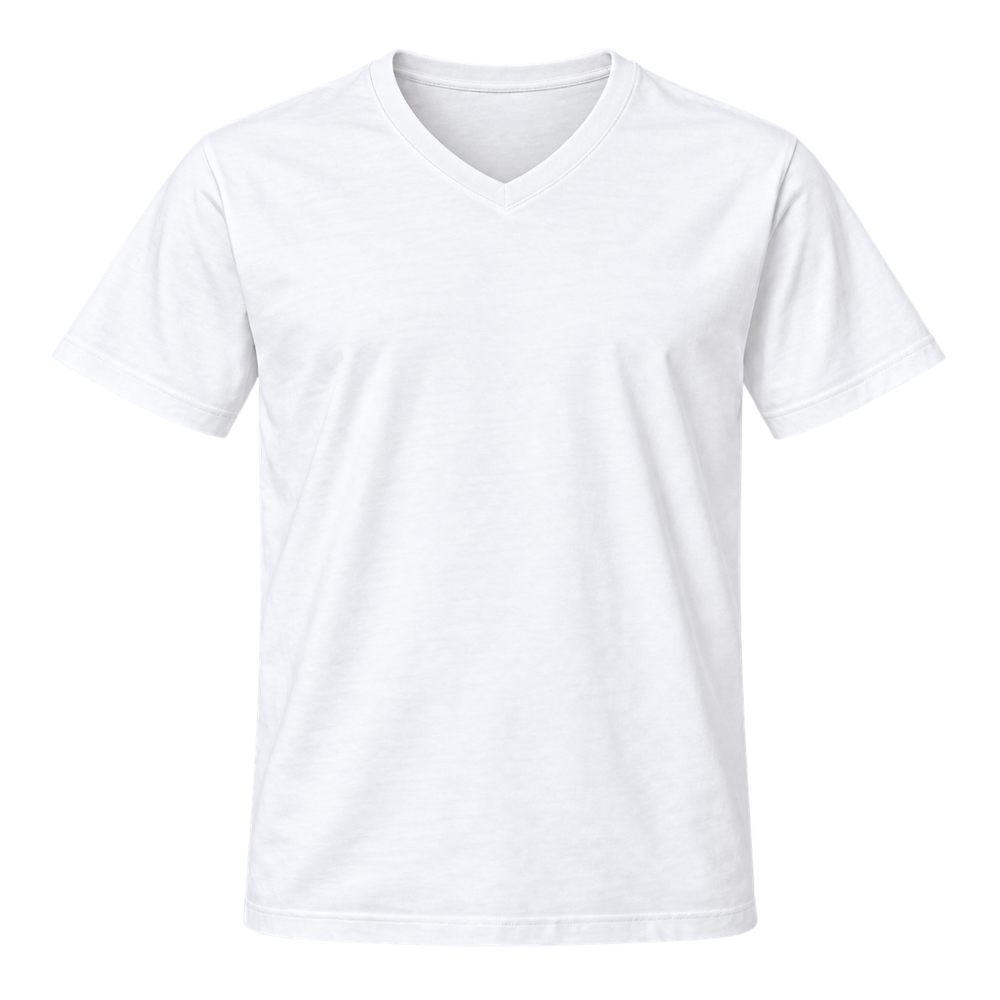
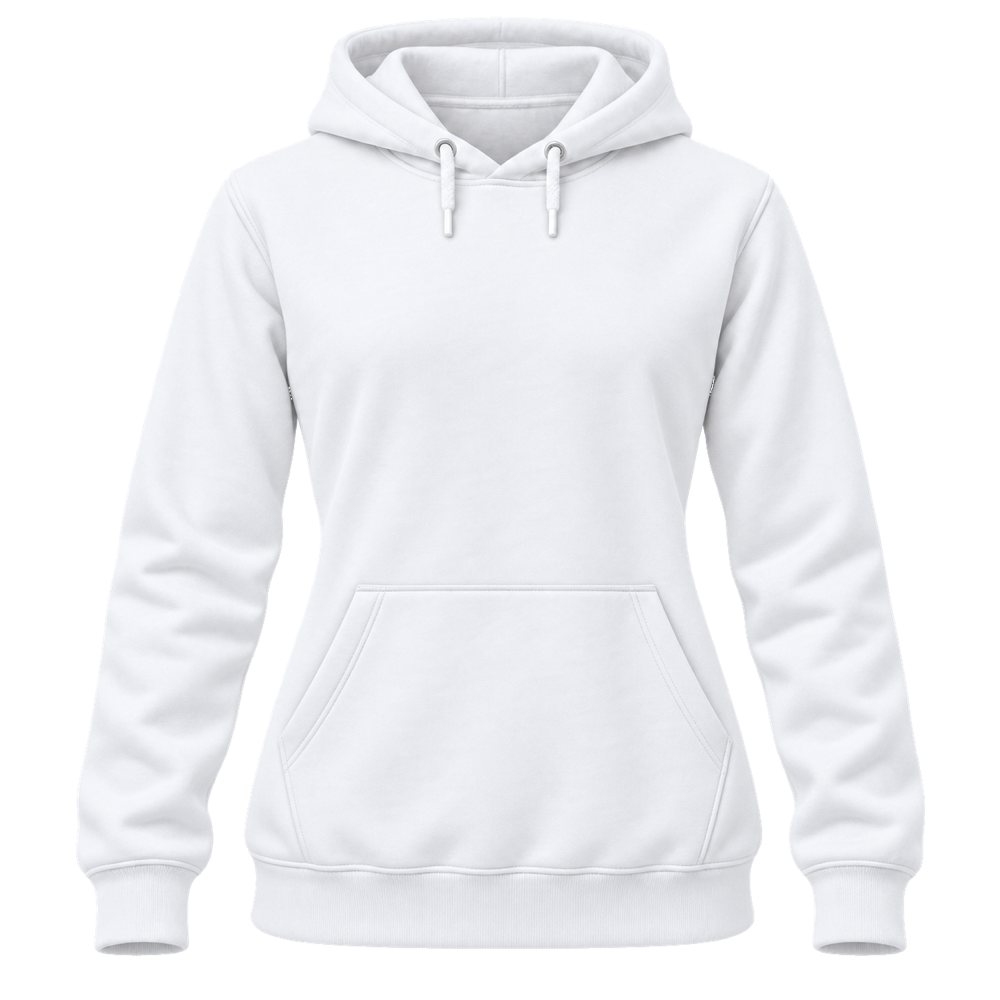
The products below show what your own print shop could offer. They are ready-to-customize starting points, with clear garment views that help customers picture their finished design. You can add the mockups that fit your range and leave out the rest. As the collection grows, this page will continue to show the available examples without tying your shop to a fixed product count.
Use these examples as a foundation for your brand. Review each product name, description, image and price in WooCommerce. Make the details match the garments and printing service you actually offer before you publish the product to your customers.
Import products from PrintGear Startup
Open PrintGear Startup and choose a product you want to sell. Select the material you will supply, then decide whether to save the imported product as a draft or publish it. The screenshot above shows the product cards, the material selector and the import button. Click the image to see the whole screen in the popup.
The starter products show size and colour choices, front and back views, and DTF print areas in Startup. After import, open the product in WooCommerce to review its options and prices. You remain in control of which items appear in your store and when they go live.
Finish the details before you launch
Your turnkey print shop gives you a faster way to prepare a product range. You still choose your own garments, confirm which sizes and colours you can supply, and set your selling prices. Check your shipping, payment and tax settings before accepting orders. Saving imported products as drafts gives you time to review everything first.
New to WooCommerce? The official WooCommerce setup guide walks through the basic store settings. Once your WooCommerce site is ready, use PrintGear Startup to add the mockups. The around 60 minute estimate refers to preparing the starter products on an existing WooCommerce site.
Showing 1–12 of 17 results